

This guide will help you learn how to Safely Force‑Save Your Valheim World
Click here to order your Valheim server with AA Game Hosting today!
Keeping your Valheim world safe is one of the most important parts of running a stable server, especially when multiple players are building, exploring, and progressing simultaneously. While Valheim automatically saves your world at regular intervals, there are moments when you need to trigger a manual save before shutting down the server, applying updates, or making configuration changes. A force‑save ensures that all recent player actions, structures, and world changes are securely written to disk, reducing the risk of rollbacks or data loss. This guide explains when and why you should force‑save your Valheim world, and walks you through the safest methods to do it on both local and dedicated servers.
Forcing a Manual Save on Your Valheim Server
Initiating a force save for your Valheim server is fairly simple! There is only one requirement for it, and that is to be an admin on that Valheim server.
1. First and foremost, you need to follow this comprehensive guide on how to become an admin in your Valheim Server.
2. Once connected to your server as admin, you just have to press F5 to open the server console.
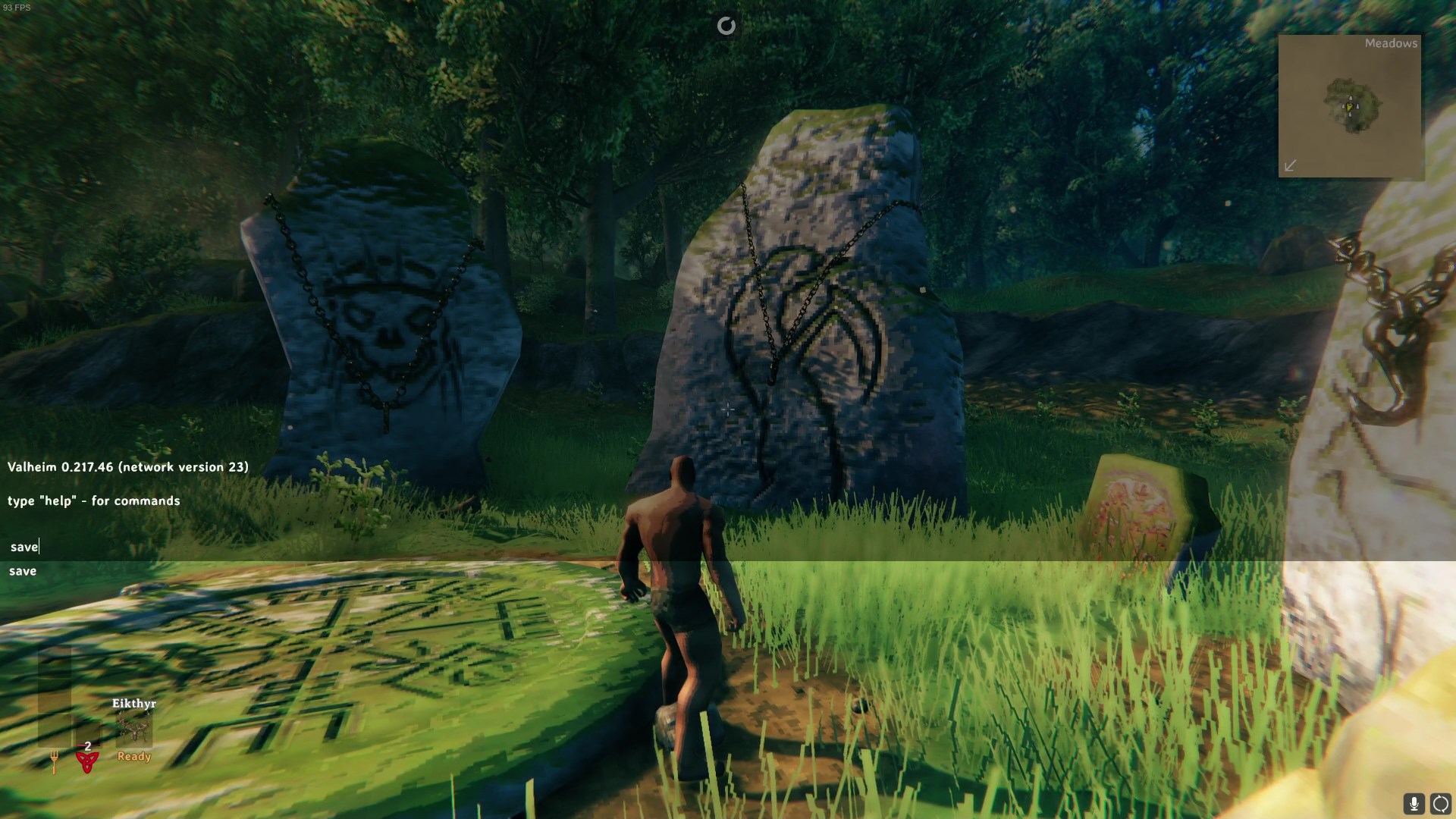
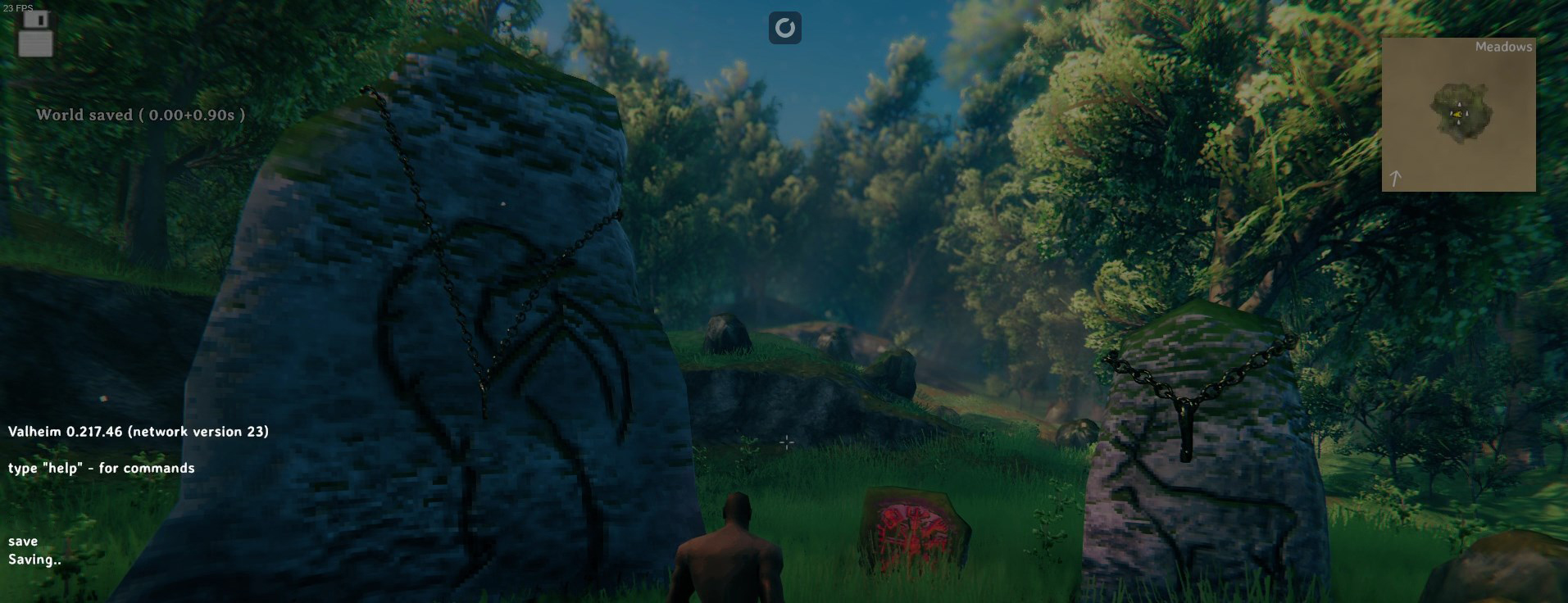
3. Type "save" in the console to force the server to save the current progress. You will see a "World Saved" message once the command is successfully executed.
If you encountered issues during the process,
Please click here to send a ticket to our team.
