

This guide will help you How to Locate Your World Seed in the Valheim Server
Click here to order your Valheim server with AA Game Hosting today!
Locating your world seed on a Valheim server is essential if you want to recreate a world, share its layout with friends, or explore it using external map tools. While Valheim shows the seed easily when creating a world in the client, dedicated servers store this information differently, and it isn’t always obvious where to find it. Whether you’re hosting your own server or managing one through a provider, knowing where the world seed lives helps you back up your world, troubleshoot issues, or generate new worlds with the same terrain. This guide walks you through exactly where to look and how to retrieve your seed so you can manage your Valheim server with confidence.
Finding Your Valheim World Seed
1. Log in to your Game Panel.
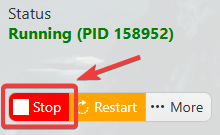
2. Before making any modifications, stop the server from running by clicking the Stop button.
3. Locate your World File.
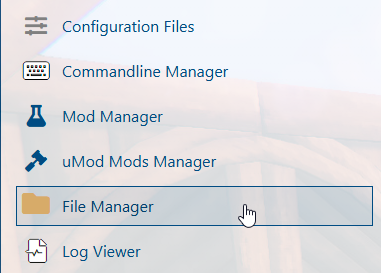
- Navigate to the File Manager
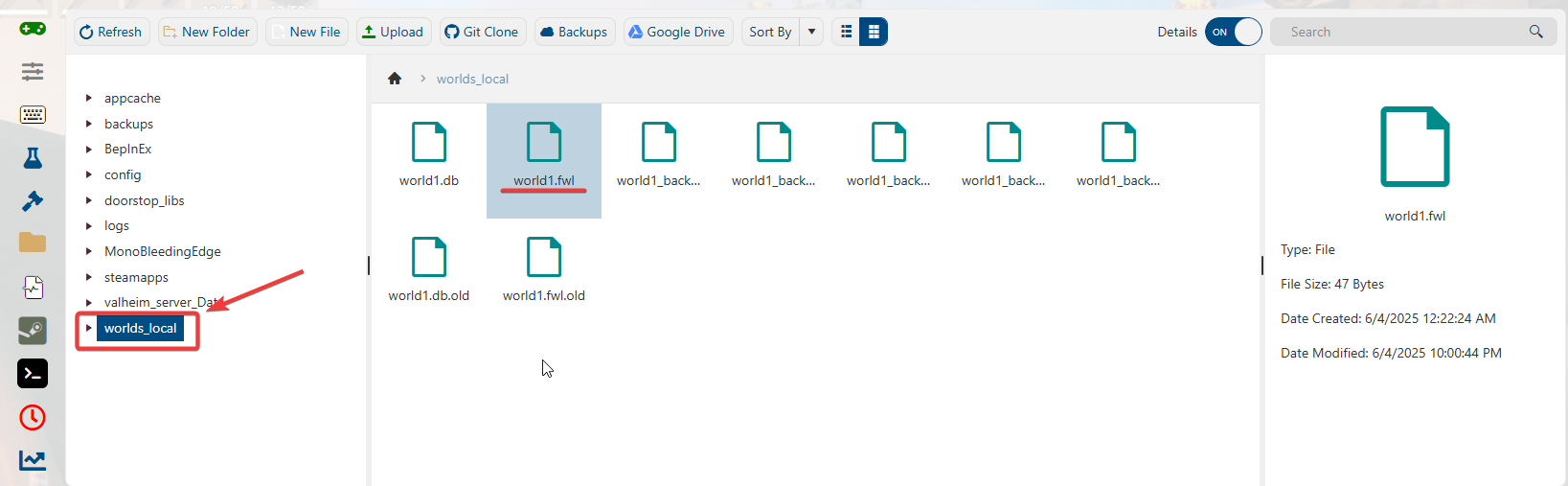
- Open Worlds_local Folder
- Find the .fwl file for the world whose seed you want to retrieve.
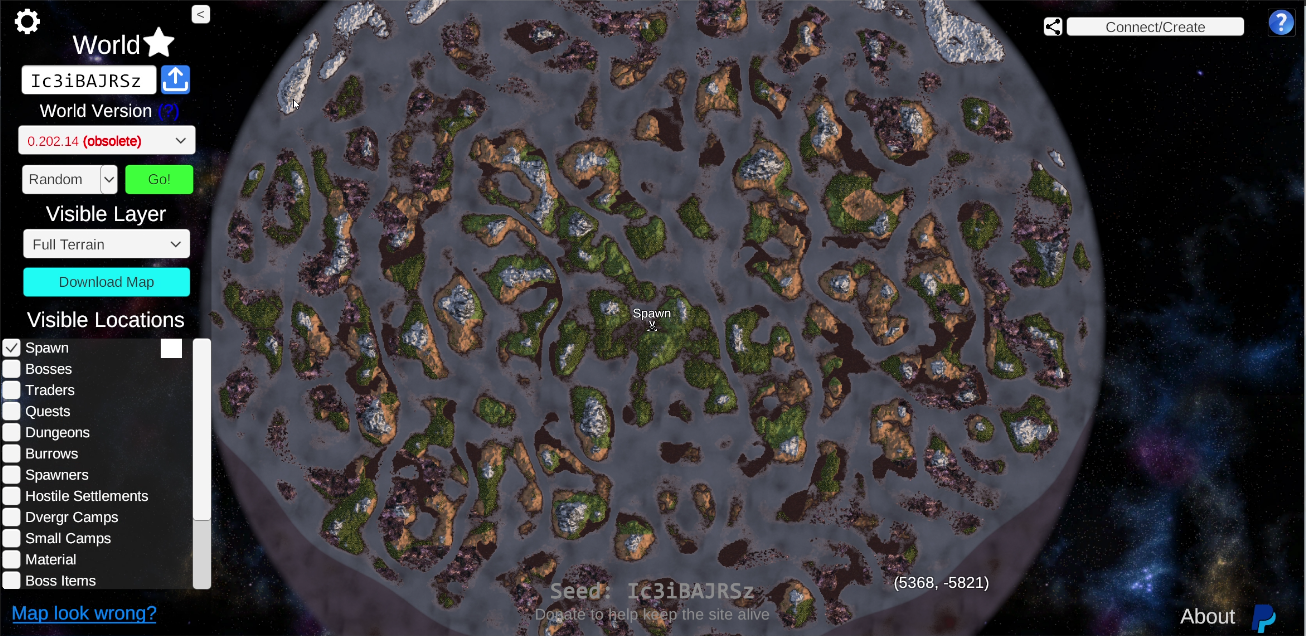
4. Upload the File to the Valheim Map Tool.
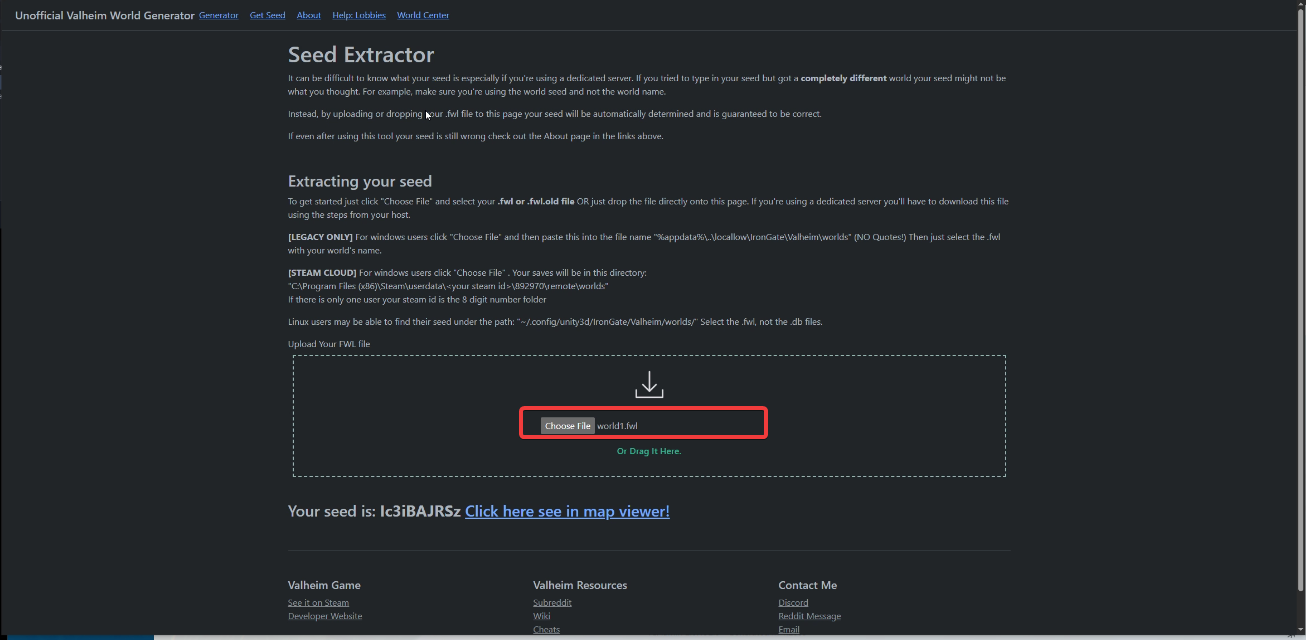
- Visit https://valheim-map.world/getseed.html
- Click Choose File and upload your .fwl file.
5. Retrieve your World Seed.
- Once uploaded, your world seed will be displayed at the bottom of the page.
If you encountered issues during the process,
Please click here to send a ticket to our team.
