
This guide will help you link your Isle Server with Discord
Launch Your Isle Server Today with AA Game Hosting
Integrating Discord with your Isle server is one of the best ways to strengthen communication, streamline moderation, and keep your community connected both in and out of the game. By linking your server to a dedicated Discord channel, you can relay important updates, share server activity, and give players a central place to coordinate, report issues, and stay engaged. This guide walks you through the steps required to connect your Isle server with Discord, ensuring your community has a reliable hub for communication and support.
Linking Your Isle Server with Discord Server
1. Log in to your Game Control Panel and navigate to your service.
2. Before making any modifications, stop the server from running by clicking the Stop button.

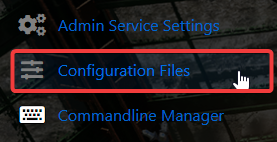
3. Navigate to the Configuration Files Tab to continue.
4. Locate the [ /Script/TheIsle.TIGameSession ] section and add the line below:
Discord="Your Discord Invite Link"

5. When you’re finished, click Save to ensure all adjustments are applied.

Did the above information not work for you?
Please click here to contact our support via a ticket.
