

This guide will help you learn how to install Valheim Plus on a Valheim Game Server
Click here to order your Valheim server with AA Game Hosting today!
Installing Valheim Plus (V+) on your game server is one of the most impactful upgrades you can make to your Valheim experience. Valheim Plus enhances the game with powerful quality‑of‑life improvements, expanded building options, performance tweaks, and deep server‑side configuration controls that let you tailor gameplay exactly the way you want. Whether you're running a private world for friends or managing a large community server, V+ gives you the tools to fine‑tune balance, progression, and difficulty far beyond the base game. This guide walks you through the full installation process for Valheim Plus on a dedicated or hosted server. You’ll learn how to prepare your server files, install the correct version of V+, configure its settings, and verify that everything is running smoothly so you can start customizing your world with confidence.
Installing Valheim Plus on Your Dedicated Valheim Server
How to Install Valheim Plus:
1. First and foremost, log in to your Game Panel and make sure your server is not running. Press the "Stop" button if it is.
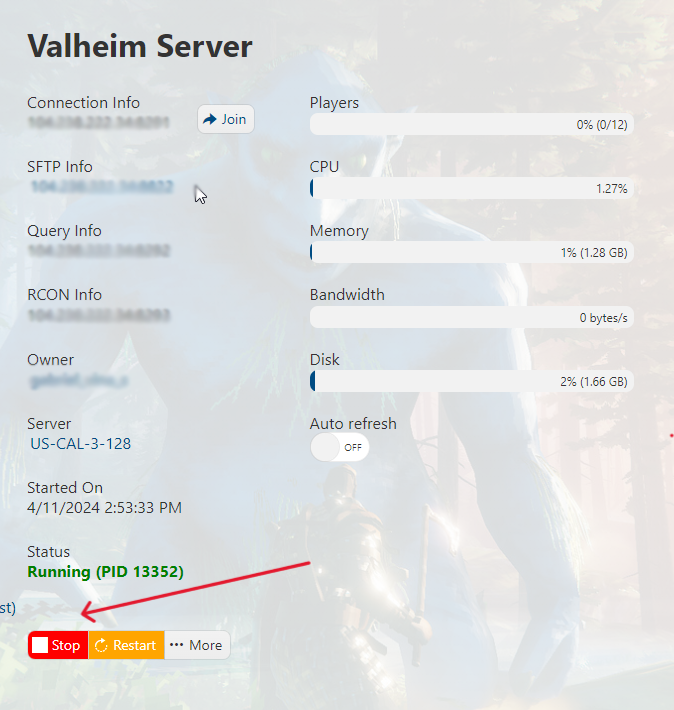
2. Go to the "Mod Manager" section on the left-hand side panel.

3. Navigate to the Valheim Plus section. You will need to choose one of the Valheim Plus installations we offer. For this guide, we will install Valheim Plus Fixed ( Grantapher ).
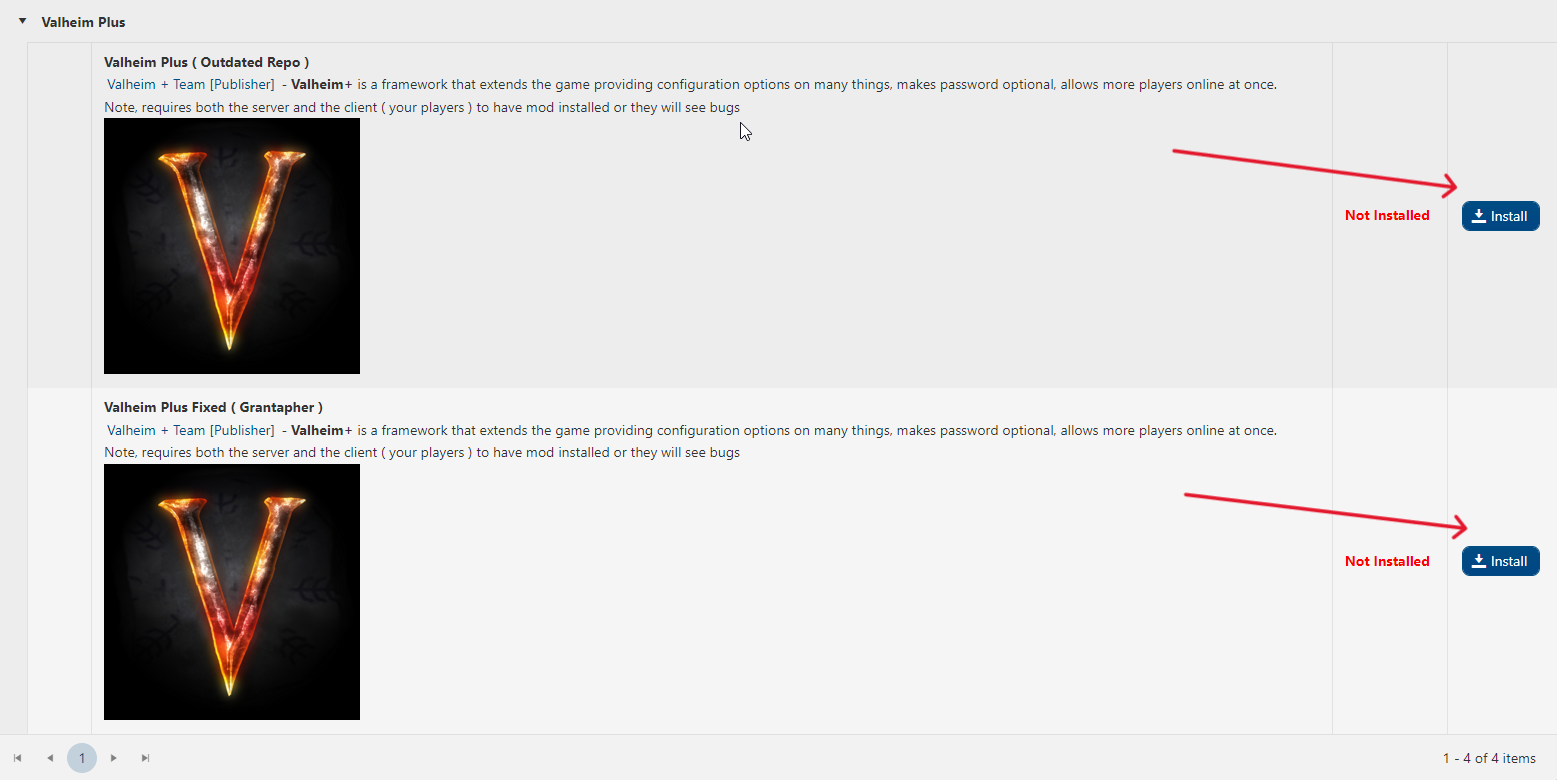
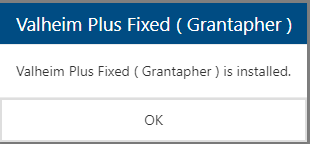
You will receive a successful installation message once it's done.
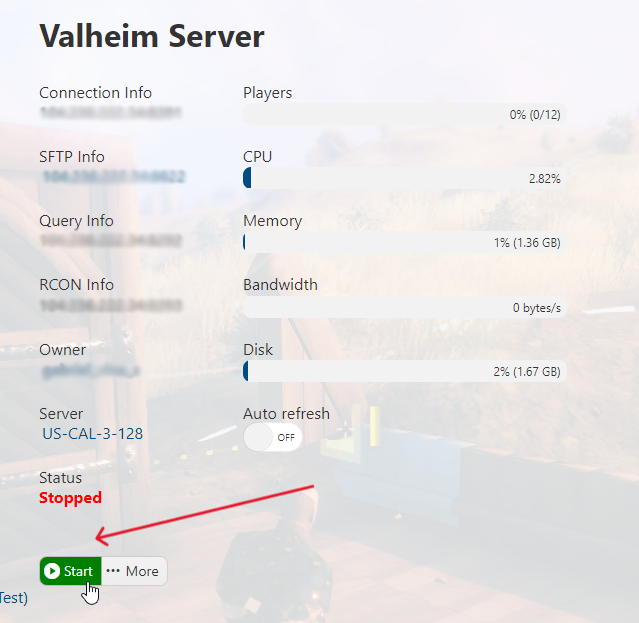
4. Go back to your Game Panel and start your server by pressing the "Start" button.
5. Next step is to install Valheim Plus on your client locally. It should be the same version of the Valheim Plus you installed on your server, which in this case is Grantapher's version. You can do so by downloading it via Nexus Manager, Thunderstore, or its github Repo. Follow the installation instructions of the website you chose.
6. You may now connect to your Valheim server and enjoy gaming with your newly installed mod!
Note: All the players who will connect to your server must have the latest version of Valheim Plus installed locally (step 5); failure to do so will result in an "Incompatible version" error message.
If you encountered issues during the process,
Please click here to send a ticket to our team.
