

This guide will help you How to Enable Whitelisting on a Space Engineers Server
Click here to order your Space Engineer server with AA Game Hosting today!
Enabling a server whitelist in Space Engineers is one of the most effective ways to control who can join your world. Whether you’re running a small private server for friends or managing a larger community, whitelisting ensures that only approved players can connect, protecting your world from griefing, performance issues, and unwanted visitors. By turning on this feature and adding the right Steam IDs, you create a secure, predictable environment where you can focus on building, exploring, and managing your server without interruptions. This guide walks you through how whitelisting works, how to enable it, and how to maintain your approved‑player list over time.
(Note: Space Engineers Torch uses a separate Whitelist system. For more information, click here.)
Whitelisting Your Space Engineers Server
1. Log in to the Game Panel
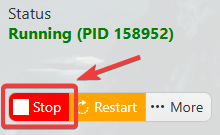
2. Before making any modifications, stop the server from running by clicking the Stop button.
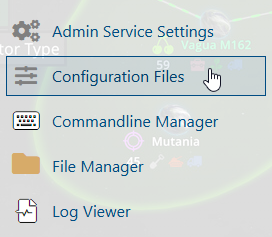
3. Navigate to the Configuration Files section.
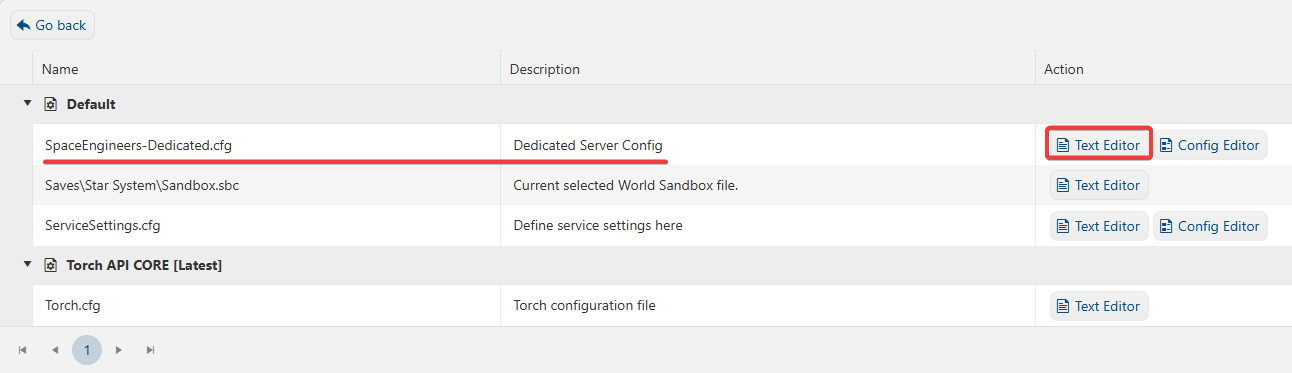
4. On the Configuration Files, you will see the SpaceEngineers-Dedicated.cfg file, which is the General Server Config. Click the Text Editor.
5. On the Config Editor, look for <GroupID>0</GroupID> and replace the digits with the SteamID64.
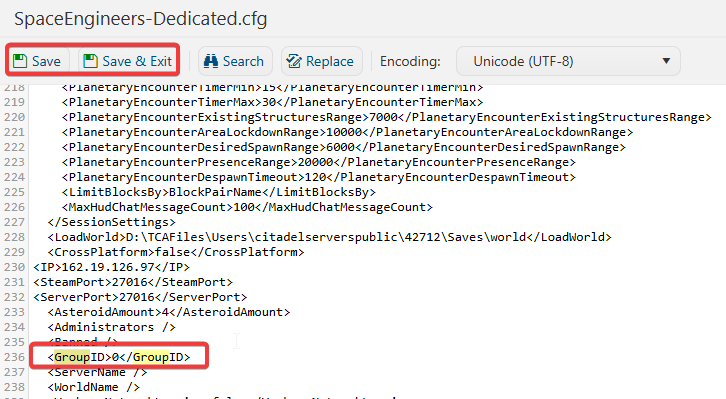
6. After editing, click Save to apply the changes.
Experience your server in a safe and secure environment.
