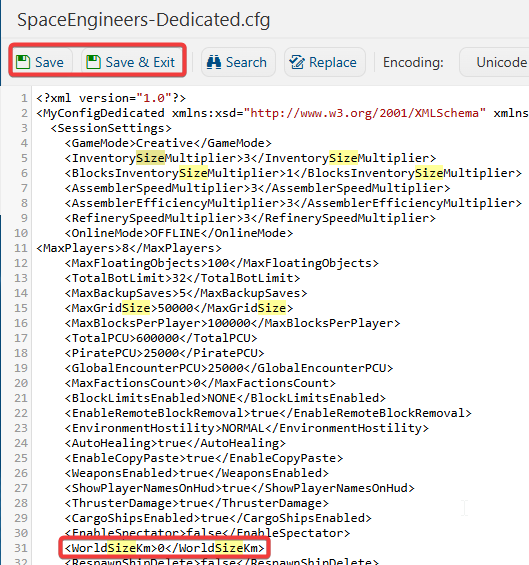
This guide will help you learn how to increase or limit the Max World Size in Space Engineers
Click here to order your Space Engineer server with AA Game Hosting today!
Adjusting the max world size in Space Engineers is one of those small but powerful server tweaks that can completely change how your world feels. Whether you’re trying to keep players closer together for better performance and more interaction, or you want to open up the map so exploration feels limitless, the max world size setting gives you direct control over how big or how compact your universe should be. This guide walks you through what the setting actually does, why you might want to increase or restrict it, and the exact steps to change it on your server. By the end, you’ll know how to tailor your world size to match your playstyle, your community, and your server’s performance needs.
Adjusting the Max World Size on Your Space Engineers Server
1. Log in to the Game Panel
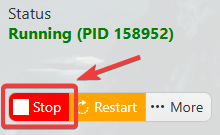
2. Before making any modifications, stop the server from running by clicking the Stop button.
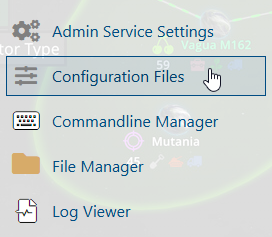
3. Navigate to the Configuration Files section.
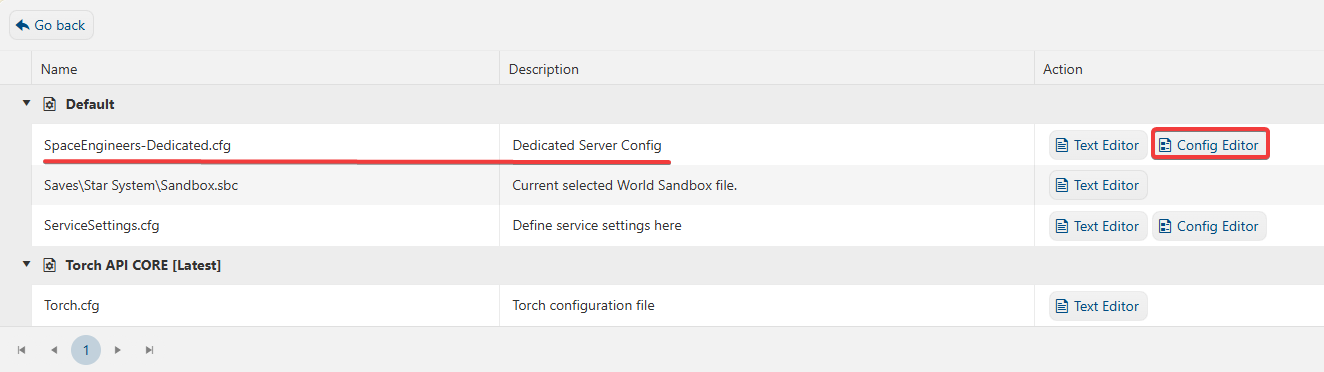
4. On the Configuration Files, you will see the SpaceEngineers-Dedicated.cfg file, which is the General Server Config. Click the Config Editor.
5. On the Config Editor, tick the Show Advanced Settings box.

6. On the Advanced settings, look for Max World Size in KM and adjust the World Size based on your preferences.
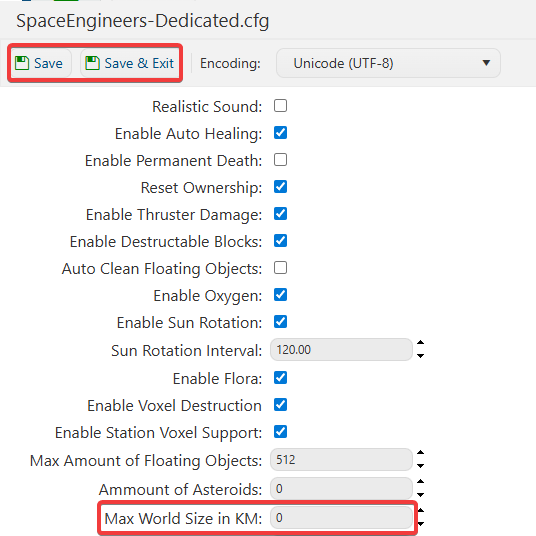
7. After editing, click Save to apply the changes.
If you want to change the server name directly in the file instead of using our UI, you can click the Text Editor beside the Config Editor and make the changes from there.