This guide will help you set up Torch on your Space Engineers Server
Click here to order your Space Engineer server with AA Game Hosting today!
Setting up Torch on your Space Engineers server gives you access to one of the most powerful server‑side modding and administration frameworks available for the game. Torch makes it easier to manage plugins, automate tasks, monitor performance, and customize your server far beyond the vanilla tools. Whether you're running a small private world or a large community hub, installing Torch is a smart way to improve stability, expand functionality, and streamline server management. This guide walks you through the setup process step by step so you can get Torch running smoothly and start taking advantage of its full capabilities.
Installing Torch on Your Space Engineers Server
1. Log in to the Game Panel
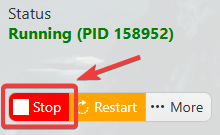
2. Before making any modifications, stop the server from running by clicking the Stop button.
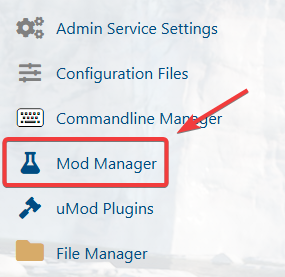
3. Navigate to the Mod Manager section.
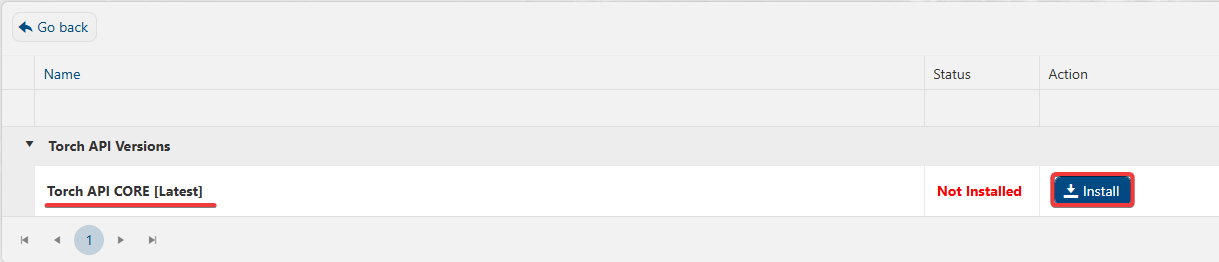
4. On the Mod Manager, Install the Torch Framework.