This guide will teach you how to delete a Player Profile and Let Them Start Fresh on your Palworld Server
Don't have a Palworld Server yet? Order one with AA Game Hosting today!
Managing a Palworld server often means helping players fix mistakes, undo glitches, or simply start fresh with a clean slate. Whether someone wants to reroll their character, escape a bugged save, or just begin a new adventure, knowing how to safely delete a single player’s profile is essential. The good news is that Palworld stores each player’s data separately, so you can reset one person’s progress without affecting anyone else on the server. This guide walks you through the process step by step, ensuring the player can jump back in with a brand‑new start while keeping your world and other players’ data intact.
Resetting an Individual Player’s Save Data on your Palworld Server

/AdminPassword command.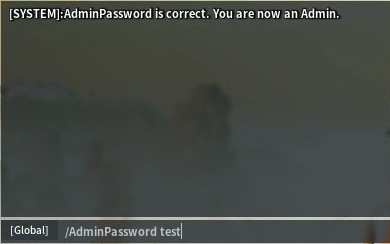
/ShowPlayers command. This will output all the players' information, namely their names, playerIDs, and SteamIDs, in that order. Note the playerID of the player whose player data you want to reset. In this example, it's 1027631338.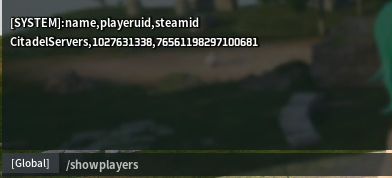

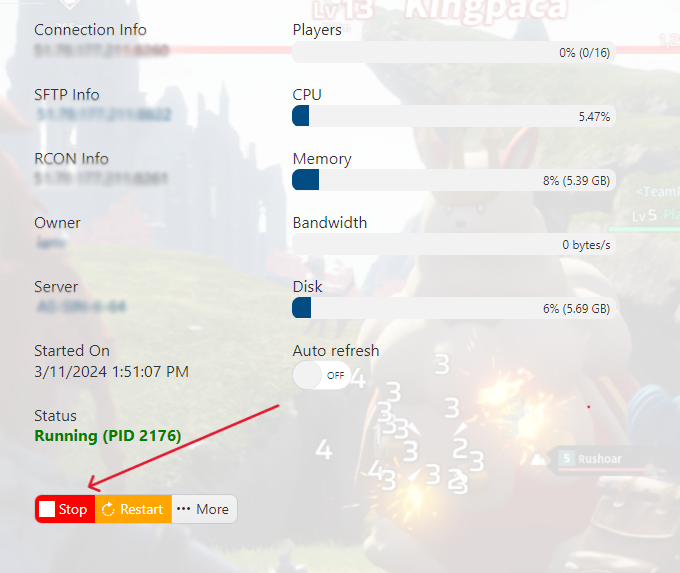
/Pal/Saved/SaveGames/0/WorldFolder/Players.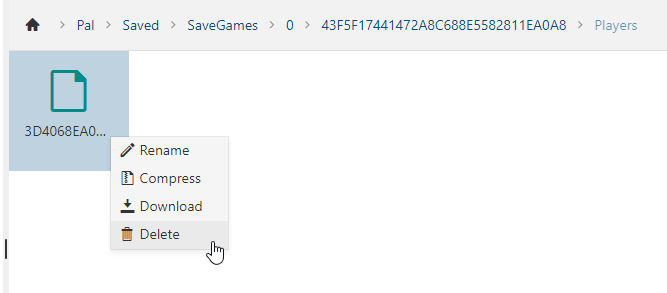
/Players folder, you will see all the player files with Hexadecimal file names. Locate the one you want to delete.