

This guide will show you how to connect to your Palworld server.
Click here to order your Palworld server with AA Game Hosting.
1. Log in to your Game Control Panel.
2. Navigate to your Palworld server, make sure the server is started before making changes.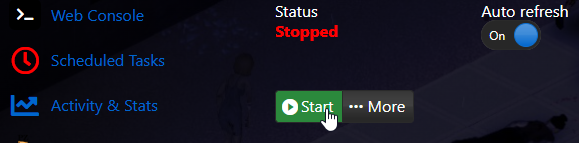
3. The first method is by searching for the server name.
You can follow this guide to learn how to change the server name.
When searching for the server in-game, make sure you are in the Community Servers Tab.
Also, make sure that the capitalization matches what's in the server panel.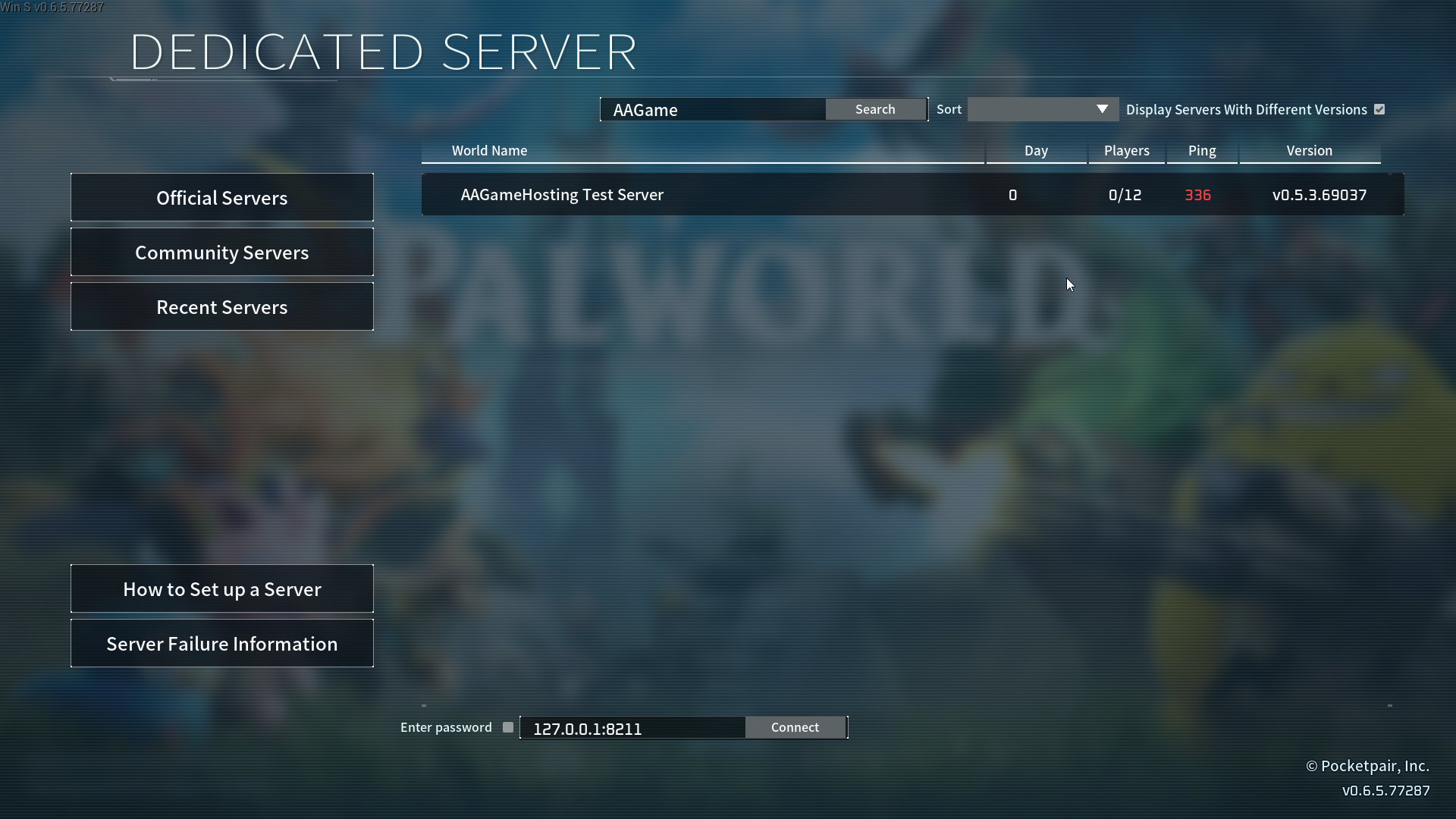
4. The second method is the direct connect method. Copy the IP and Port from the connection info tab.
Paste it in the direct IP and Port connect field at the bottom and then click connect.
If you have a password, check the password mark and input it as well.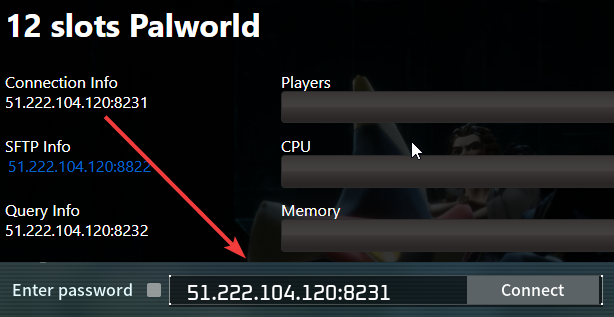
If you encountered issues during the process,
Please click here to send a ticket to our team.
