

This guide will help you How to Enable and Use Modded Maps on your ARK: Ascended Server
Modded maps open the door to entirely new worlds, custom biomes, and creative player‑made experiences that go far beyond the official ARK: Ascended map lineup. Whether you’re looking to expand your server’s content, build a unique environment for your community, or experiment with custom map designs, enabling modded maps is a straightforward process once you know where to configure them. This guide walks you through how to activate and load modded maps on your ARK: Ascended server, ensuring they run correctly and consistently every time your server starts.
Configuring Your ARK: Survival Ascended Server to Load a Modded Map
1. Log in to your Game Control Panel and navigate to your service.
2. Before making any modifications, stop the server from running by clicking the Stop button.
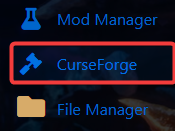
3. Navigate to the Curseforge Tab to continue.
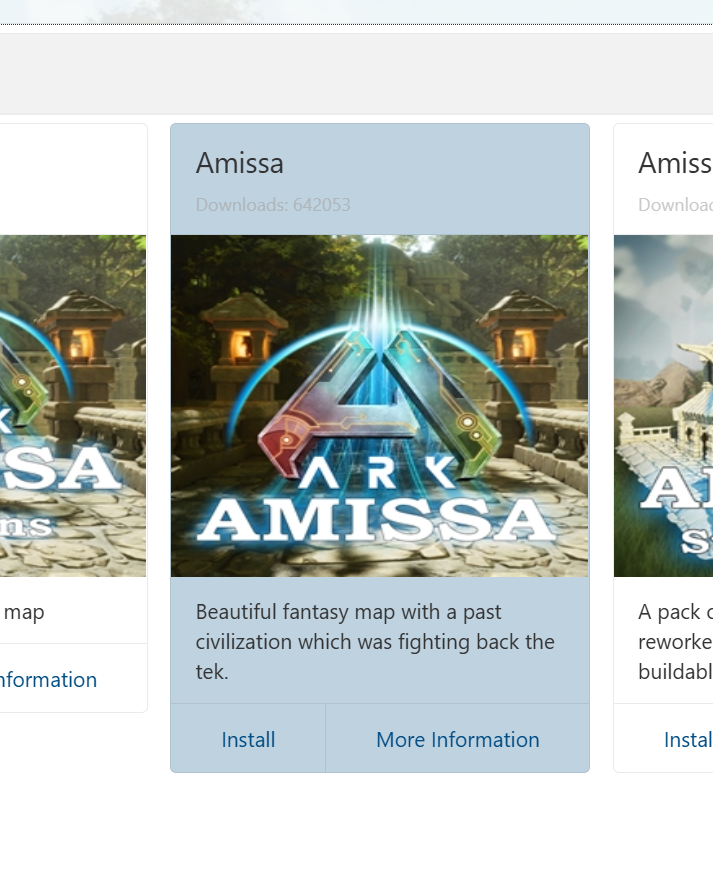
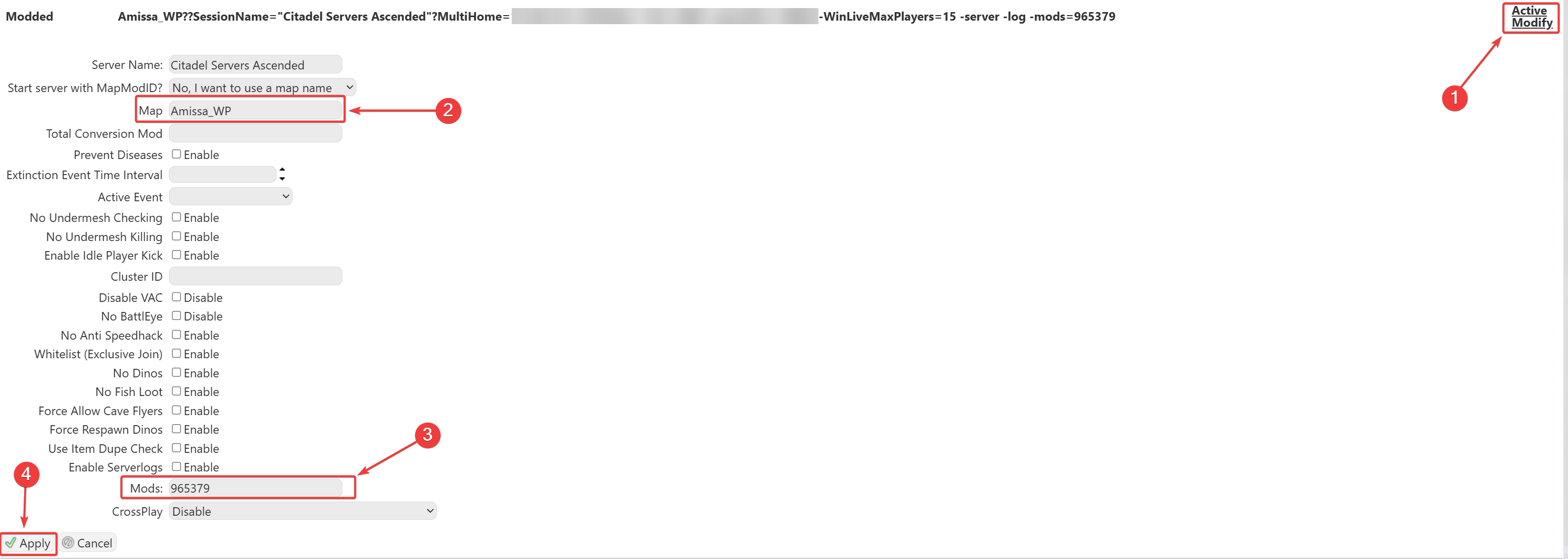
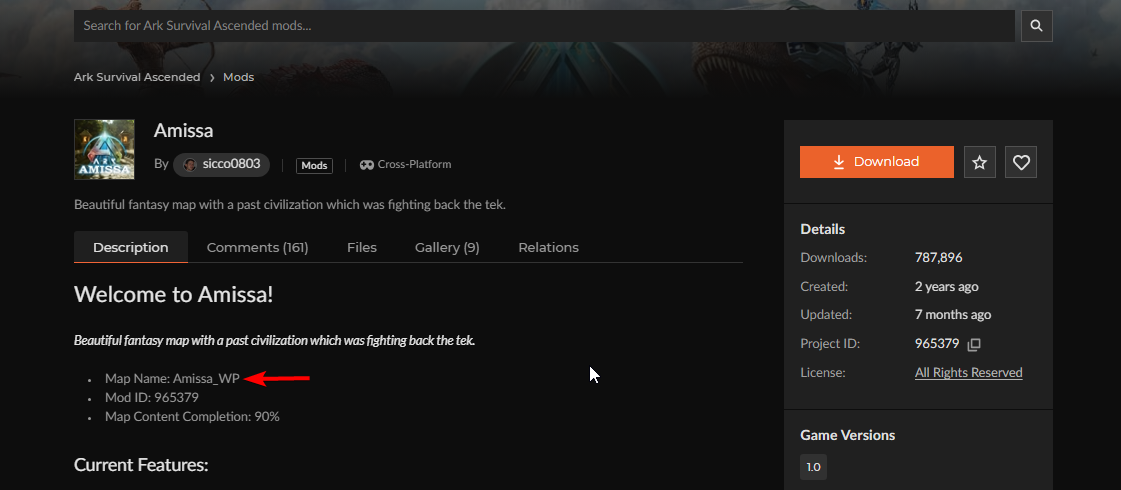
This will load the custom modded map on your server. Once everything is configured and the server is started, your server will appear in the in‑game server list, allowing you to join and verify that the map is running correctly.
Did the above information not work for you?
Please click here to contact our support via a ticket.
