

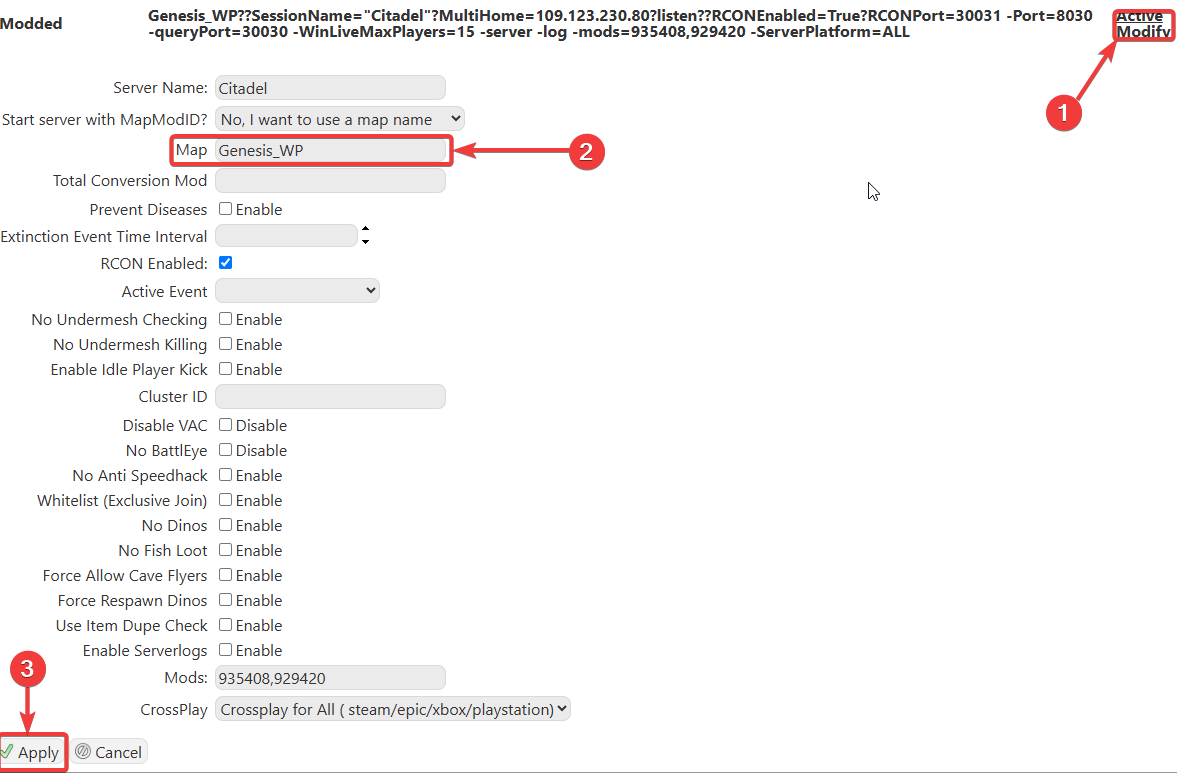
This guide will help you change your Map to Genesis on your ARK Survival Ascended Server
Changing your server’s map to Genesis in ARK: Survival Ascended is a great way to refresh your world and dive into one of the game’s most unique, mission‑driven experiences. Whether you’re looking to explore new biomes, tackle challenging objectives, or give your players a fresh environment to survive in, switching maps is quick and straightforward once you know where to look. This guide walks you through the process of updating your server configuration, so it loads directly into the Genesis map, ensuring a smooth transition without disrupting your existing settings or gameplay preferences.
Changing your Map to Genesis on your ARK Survival Ascended Server
1. Log in to your Game Control Panel and navigate to your service.
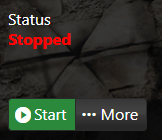
2. Before making any modifications, stop the server from running by clicking the Stop button.
Please click here to contact our support via a ticket.
