

This quick guide shows you how to set the Max Players for your The Forest Server
Click here to order your The Forest server with AA Game Hosting today!
Customizing the maximum number of players on your The Forest server lets you control how big, or how intimate, your multiplayer experience will be. Whether you’re hosting a small group of friends or building a larger community, adjusting the player limit ensures your server runs smoothly while matching the style of gameplay you want to offer. By updating this setting, you can balance performance, coordination, and overall player experience, giving you full control over how your server grows and operates.
Configuring Maximum Players on Your The Forest Server
1. Log in to your Game Control Panel and navigate to your service.
2. Before making any modifications, stop the server from running by clicking the Stop button.

3. Navigate to the Configuration Files Tab to continue.
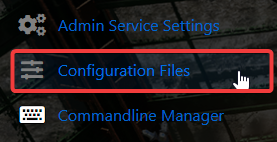
4. Go to the Configuration tab, find server.cfg, and click the Text Editor to access its settings.

5. Within the Text Editor, find the Max Players entry and change it to the number of players you want on your server.

6. When you’re finished, click Save to ensure all adjustments are applied.

Did the above information not work for you?
Please click here to contact our support via a ticket.
