
This guide will help you connect to the Starbound Server
Spin Up Your Starbound Server in Minutes Using AA Game Hosting
Connecting to a Starbound server is the key to exploring the universe with friends, building colonies together, and taking on tougher challenges as a team. Whether you’re joining a hosted server, playing on a friend’s world, or managing your own dedicated setup, the process is straightforward once you know where to look. This guide walks you through each connection method, explains what you need before joining, and helps you troubleshoot common issues so you can jump into multiplayer quickly and without frustration.
Connecting to Starbound Servers
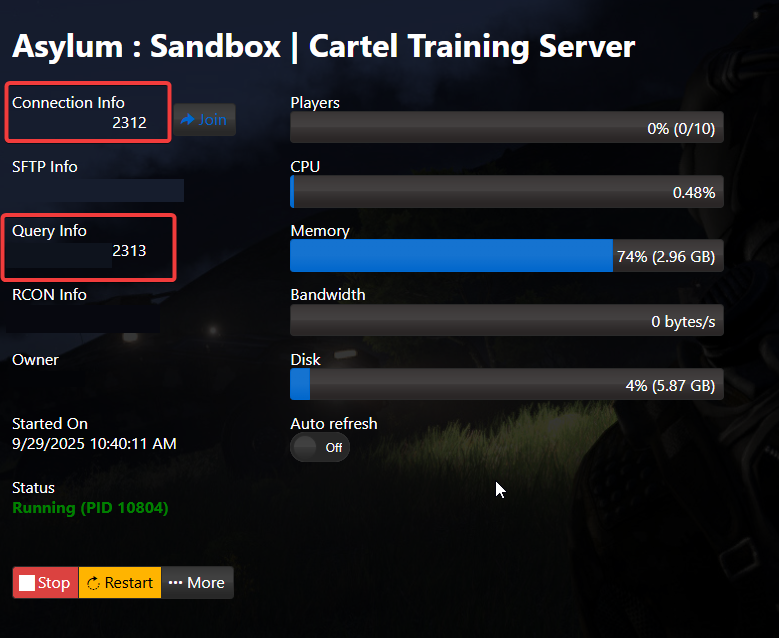
1. Log in to your Game Control Panel and navigate to your service.
2. Find the IP:Port in your Game Panel, then paste it into the field below.
3. Launch the game and select Multiplayer.

Enter your IP in the Server Info box and select “Join Server”.
Did the above information not work for you?
Please click here to contact our support via a ticket.
