This guide will help you connect to your Sons of the Forest Game Server
Get Your Sons of the Forest Server Online in Minutes with AA Game Hosting
Connecting to a Sons of the Forest game server is the first step to jumping into multiplayer survival with friends or your community. Whether you’re joining a private dedicated server or a public hosted world, the process is straightforward once you know where to look. In this guide, you’ll learn how to find your server, enter the correct connection details, and join successfully without common errors. Follow the steps below to get connected quickly and start playing on your Sons of the Forest server.
Joining Your Sons of the Forest Dedicated Server
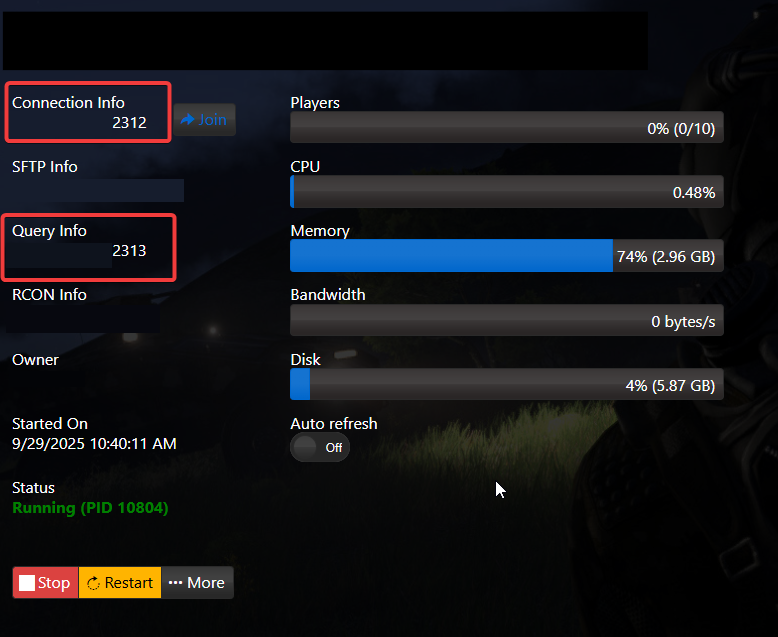
1. Log in to your Game Control Panel and navigate to your service.
2. Before making any modifications, stop the server from running by clicking the Stop button.
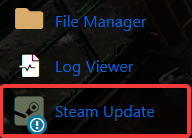
3. It’s best practice to keep your Sons of the Forest (SOTF) server up to date.