

This guide will help you learn how to use Rust Console Commands and RCON with Rusty or RustAdmin
Click here to order your RUST server with AA Game Hosting today!
Managing a Rust server effectively means having full control over its settings, players, and performance, and that starts with mastering console commands and remote administration tools. Whether you're running a small private world or a large community server, knowing how to execute commands, monitor activity, and make real‑time adjustments is essential for keeping everything running smoothly. Rusty and RustAdmin are two of the most popular RCON tools available, offering user‑friendly interfaces that make server management far easier than relying on the in‑game console alone. With them, you can issue commands instantly, track player behavior, manage bans, adjust server variables, and troubleshoot issues without ever logging into the game. In this guide, you’ll learn how to use Rust console commands alongside Rusty or RustAdmin to take full control of your server, efficiently, safely, and with confidence.
Managing Rust Servers: Console Commands and RCON via Rusty or RustAdmin
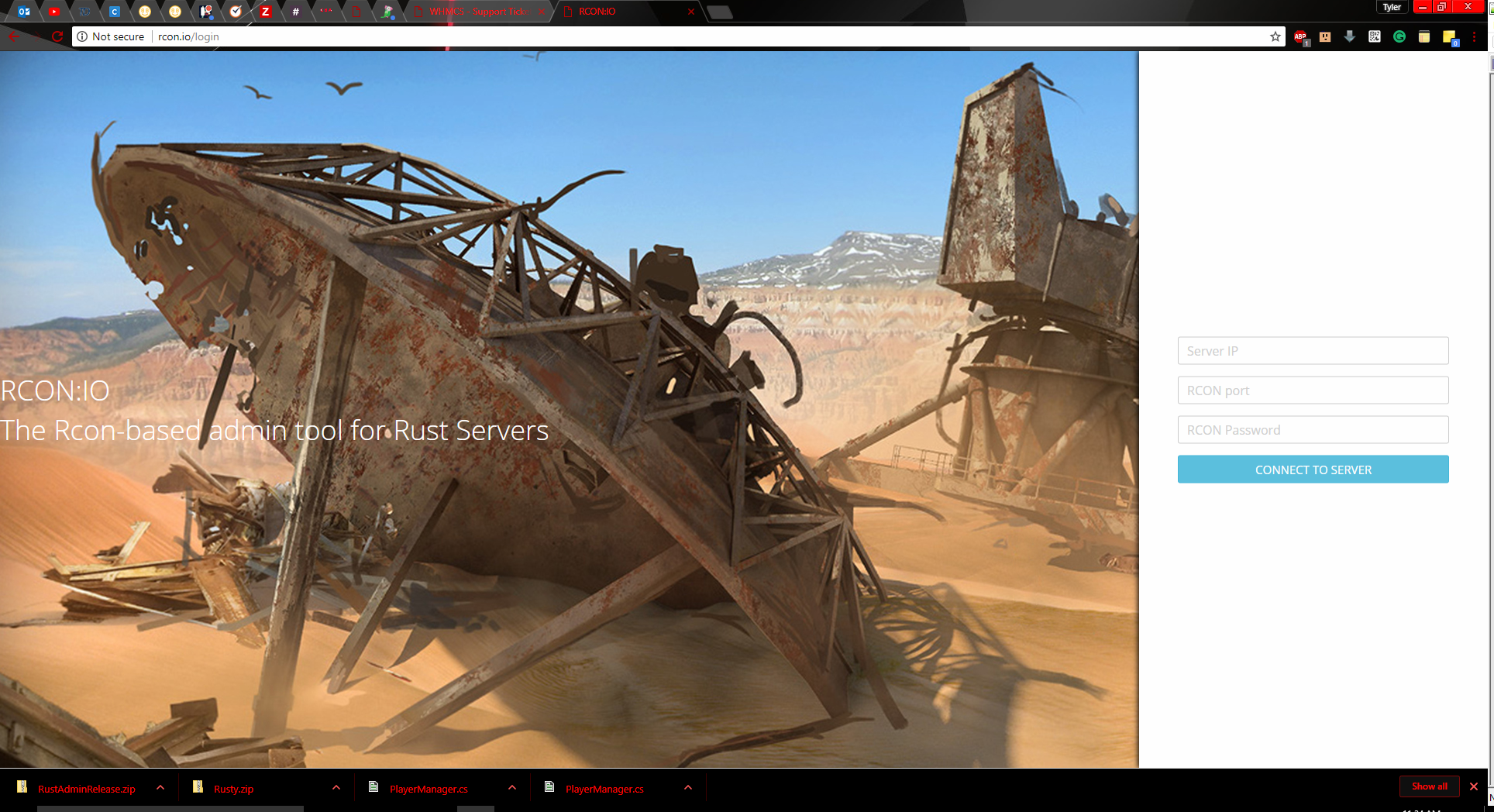
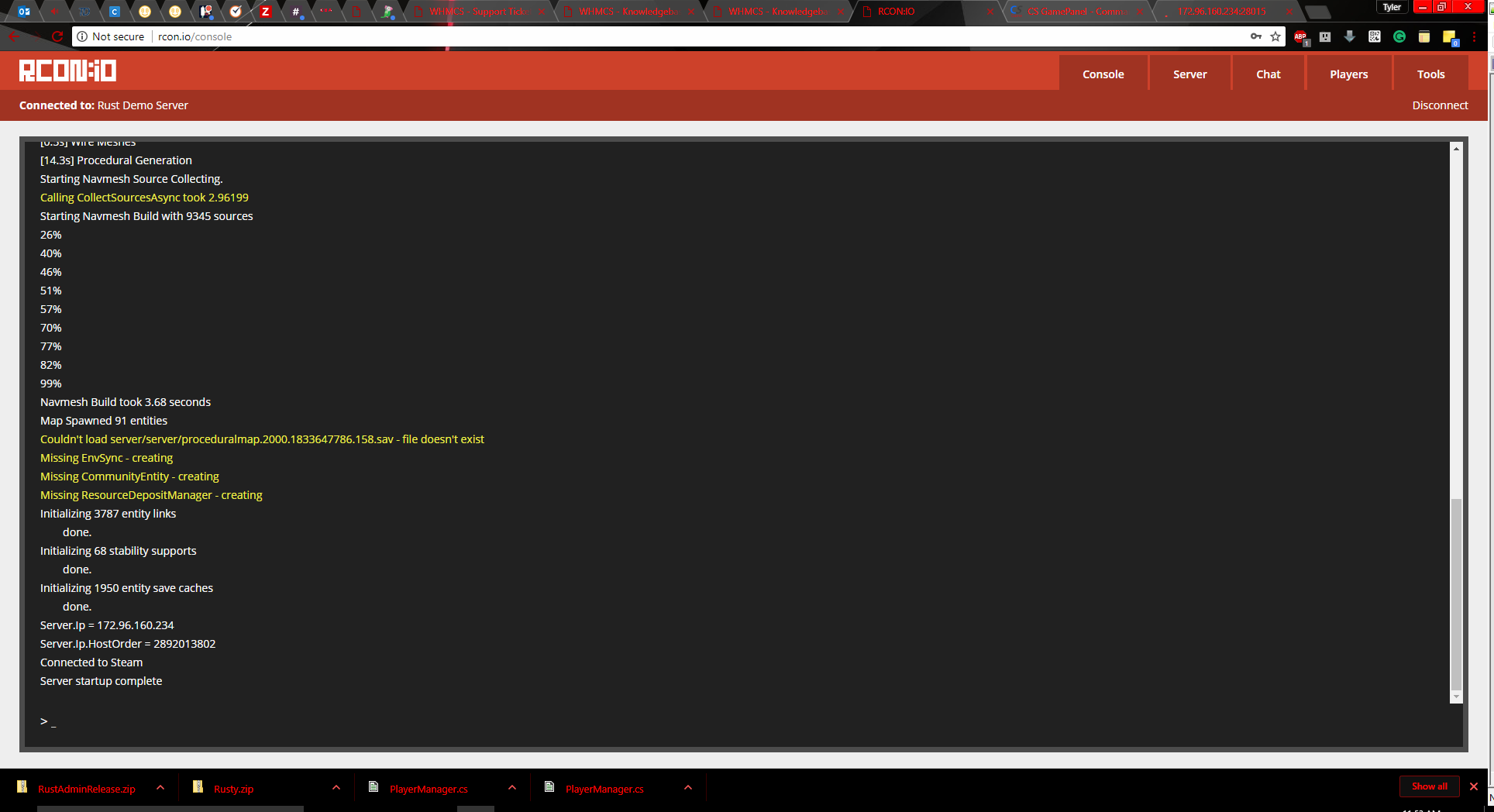
Rusty, RustAdmin, or Rcon:IO will enable you to run these commands remotely on your computer instead of in-game.
Rust console Commands
| Command | Description |
| kick <UID> “Player name” “Reason.” | Kicks the specified player from the server. |
| ban “Player name” “Reason.” | Bans specified player from the server. |
| banid <UID> “Player name” “Reason.” | Bans a player using their Steam ID. |
| status | displays information about all currently connected clients. |
| say ”Message” | Sends a message in chat. |
| users | Show user info for players on server. |
| banlist | Displays a list of banned users. |
| banlistex | Extended ban list. Shows player names and reasons. |
| listid | Displays a list of banned users, sorted by SteamID. |
| event.run | Sends an airdrop from a random direction to drop crates at (0,0,0). |
| wakeup | Forces your character to wake up. |
| sleep | Forces your character to sleep. |
| kill | Commits suicide. |
| gc.collect | Recollects unused memory and unloads unused assets. |
| construct.frameminutes | How many minutes before a placed frame gets destroyed. |
| chat.enabled <true/false (Default true)> | Enables/disables chat. |
| inventory.give ITEM AMOUNT | This command allows you to give items to yourself |
Example:
Please click here to send a ticket to our team.
