
This guide will help you change your server name.
Click here to order your RUST server with AA Game Hosting today!
Joining your Rust server through the in‑game console is one of the fastest and most reliable ways to connect, especially when your server is new, unlisted, or still configuring its visibility in the server browser. Instead of scrolling through long server lists or waiting for indexing, the console lets you connect directly using your server’s IP address and port. Whether you're testing your setup, inviting friends, or managing your server behind the scenes, learning this method gives you instant access and full control. This guide walks you through the simple steps to connect quickly and confidently using Rust’s built‑in console.
Connecting to Your Rust Server Through the In‑Game Console
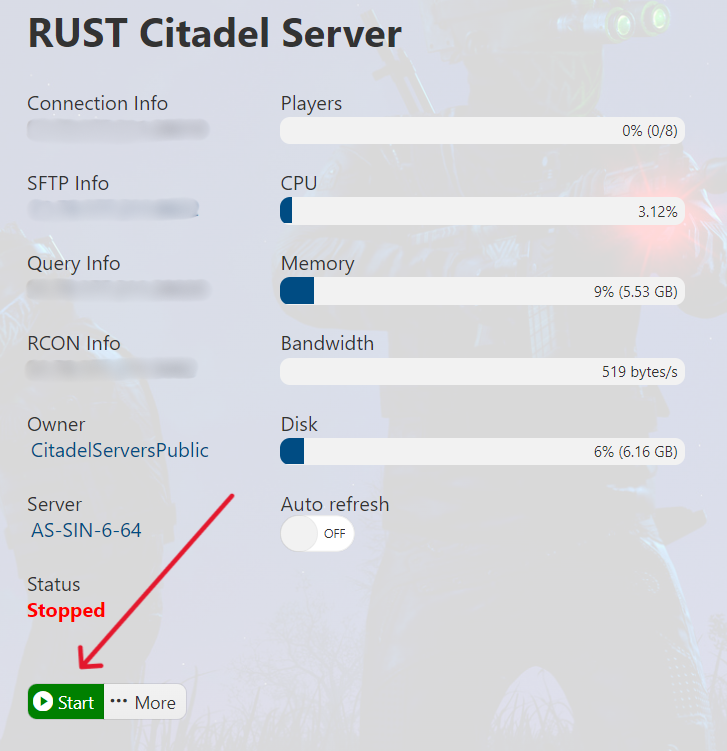
1. Log in to the Game Panel (click this link for easy access) and navigate to your Don't Starve Together server.
Make sure your server is running by pressing the Start button.
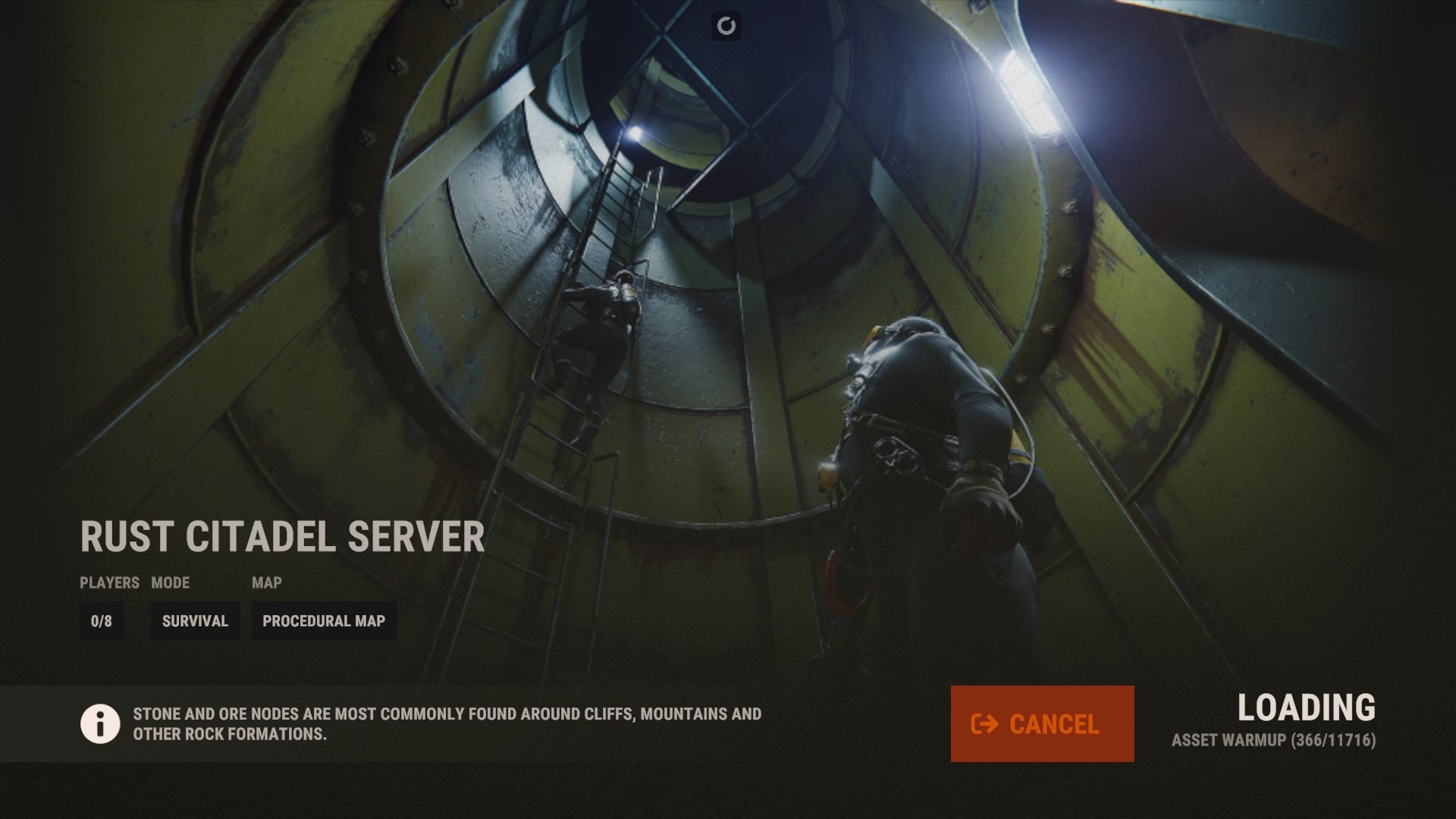
2. Open your Rust game as well. Once in the game, open the console by pressing F1. Enter the following command into the console: client.connect 'IP:Port'
(Note: Replace IP: Port with your Server's IP and Port, e.g., 127.0.0.1:12345)

Please click here to send a ticket to our team.
