
This guide will help you change your server name.
Click here to order your RUST server with AA Game Hosting today!
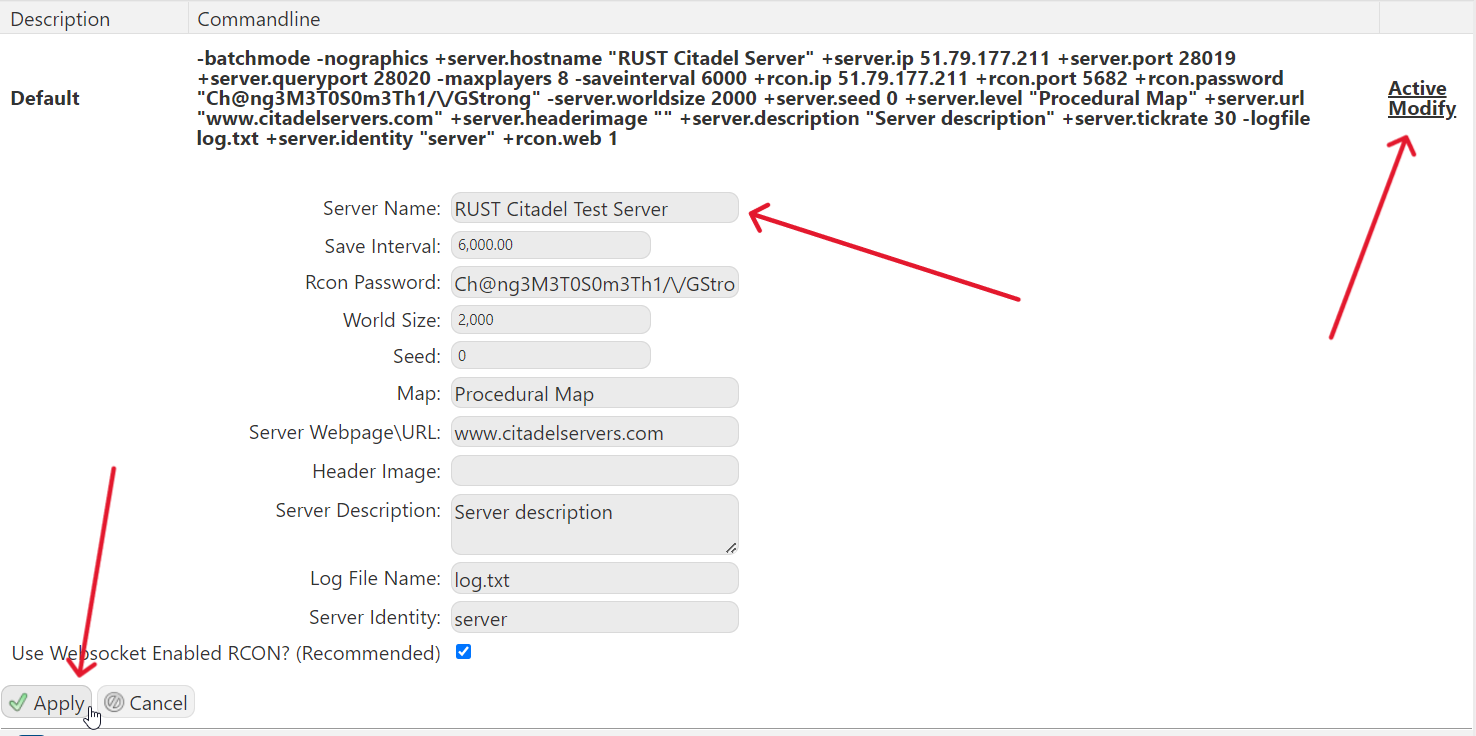
Changing the name of your Rust server is one of the quickest ways to give your community a unique identity and help players recognize your world at a glance. Whether you're branding a new server, updating an existing one, or simply experimenting with different themes, adjusting the server name is a simple but important step in server customization. In Rust, this is done by modifying a few key settings in your server’s configuration files or startup parameters. Once updated, your new name will appear in the server browser, making it easier for players to find and join your server.
Changing Name on your Rust Server
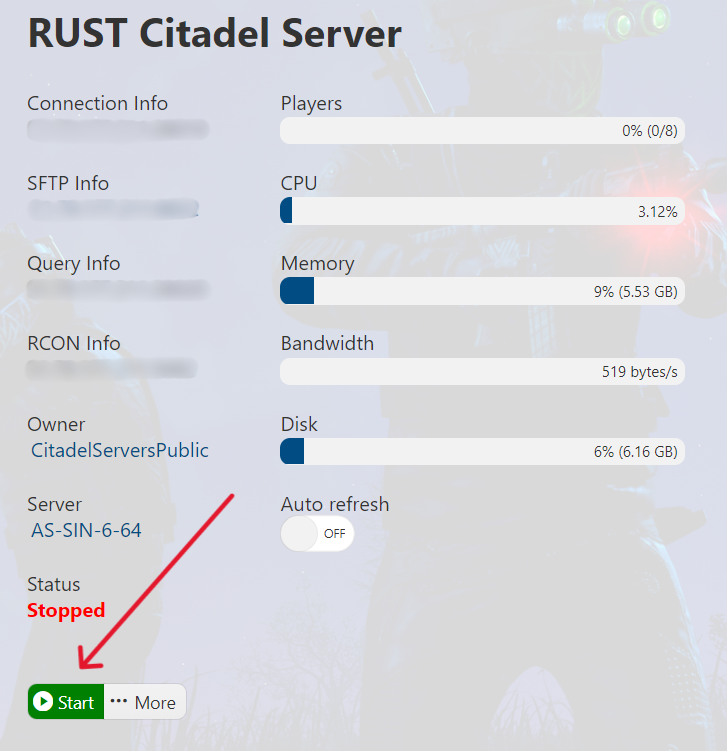
1. Log in to the Game Panel (click this link for easy access) and navigate to your Don't Starve Together server.
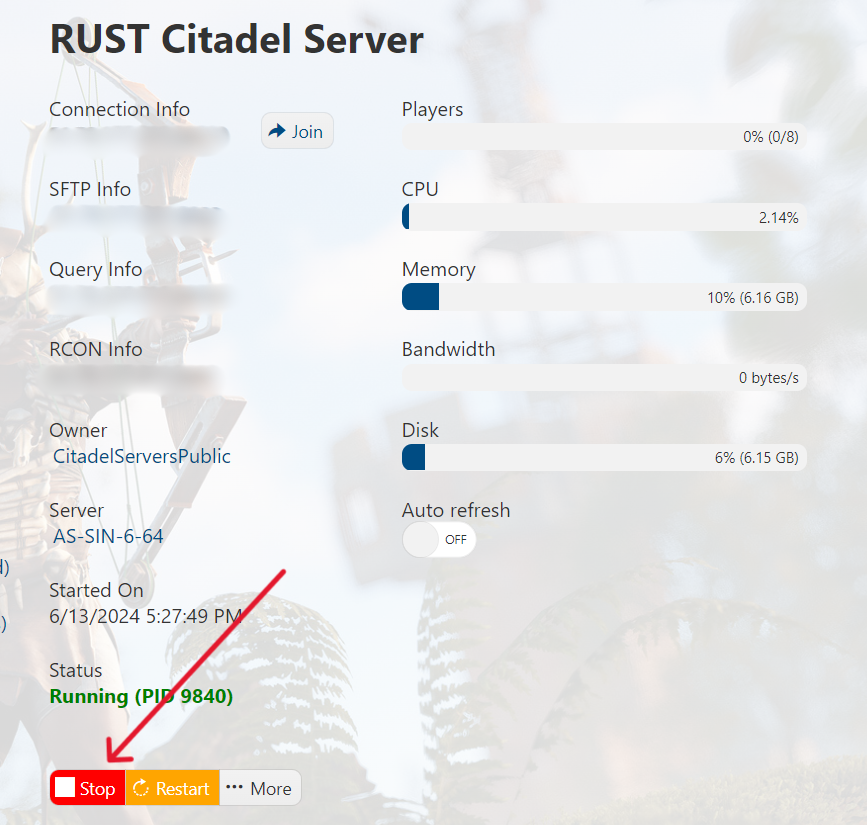
Make sure your server is not running by pressing the Stop button.
Please click here to send a ticket to our team.
