

This guide will help you How to Customize World Seed and Map Size on a Rust Server
Click here to order your RUST server with AA Game Hosting today!
Customizing your Rust server’s world seed and map size is one of the simplest ways to shape the experience your players will have. Whether you want a sprawling landscape for large-scale raids or a compact map that keeps everyone close and competitive, tweaking these settings lets you design the world exactly the way you envision it. In this guide, you’ll learn what world seeds actually do, how map size affects gameplay, and the exact steps to change both on your server. By the end, you’ll be able to generate fresh worlds, experiment with layouts, and keep your Rust community engaged with every wipe.
The world size and seed determine how your Rust map is procedurally generated. Different values will return different results. You can use this website for different seeds and sizes http://playrust.io/gallery/.
Changing Your Rust Server’s World Seed and Map Size
1. Log in to the Game Panel and navigate to your Rust server.
2. Before making any modifications, stop the server from running by clicking the Stop button.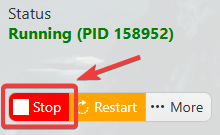
3. Navigate to the Configuration Files Tab.
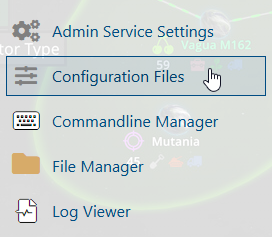
4. On the Configuration Files, you will see the server\server\cfg\server.cfg file, which is the General Server Config. Click the Text Editor beside the Config Editor.

5. Make any required changes to server.worldsize and server.seed. For the world size, if you need a world that is larger than 6000, you will need to reach our tech support team via ticket.
6. Once you've updated your settings, save your changes and start the server to apply them.
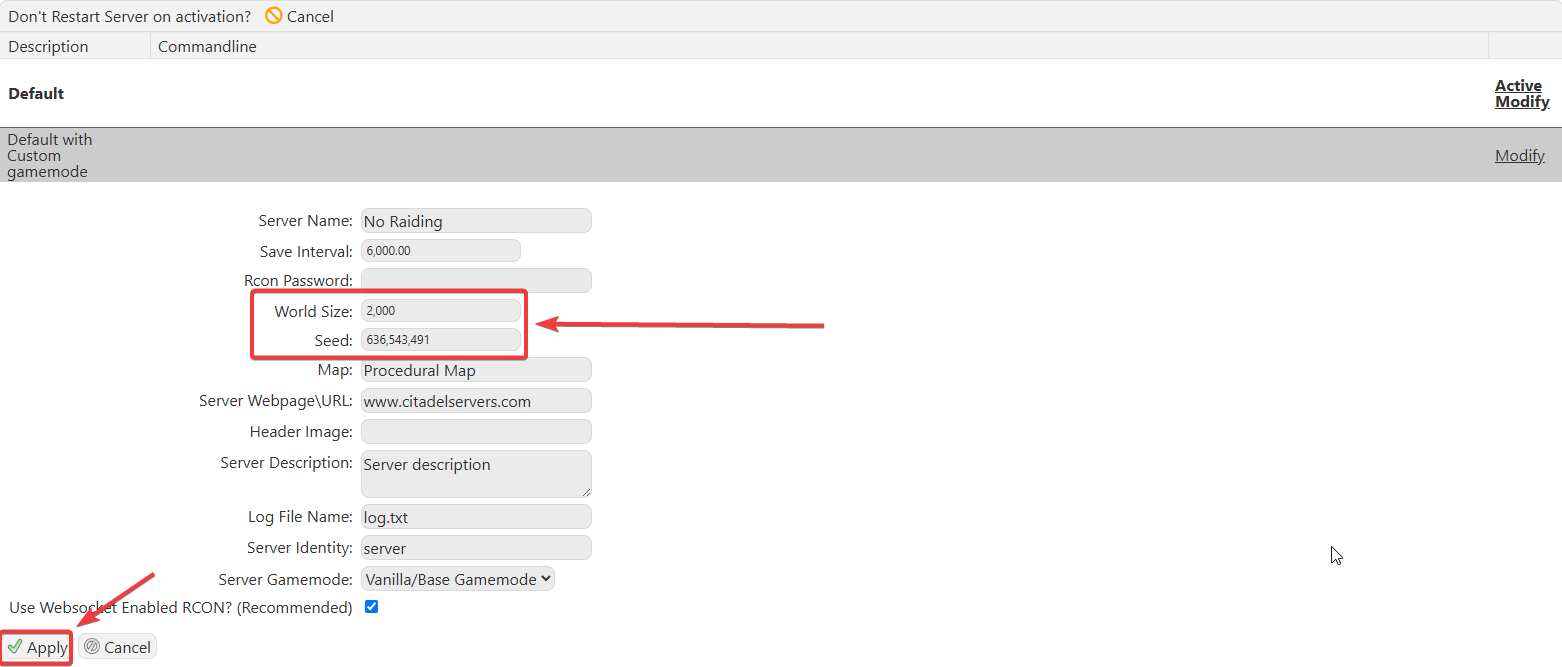
You can also change the World Size and World Seed using the Commandline Manager. Just make the changes on your predefined commandlines then hit Apply.
If you encountered issues during the process,
Please click here to send a ticket to our team.
