
 This quickstart guide will help you on how to use Essential 5 on your FiveM Server.
Essential 5 is one of the most widely used frameworks for FiveM roleplay servers. It provides the foundation for permissions, player management, and database integration, making it easier to build custom scripts and ensure your community runs smoothly. Think of it as the backbone of your server, without it, many advanced scripts and roleplay systems wouldn’t function properly. By using Essential 5, you’re laying the groundwork for a scalable and organized FiveM server. It ensures that your admins have the tools they need, your players’ progress is saved, and your custom scripts can run without conflicts.
How to Install and Use the Essential 5 Framework on your FiveM Server
A. Your MySQL Database and License Key
First thing on the agenda is to access and check your MySQL Database.
First thing on the agenda is to access and check your MySQL Database.
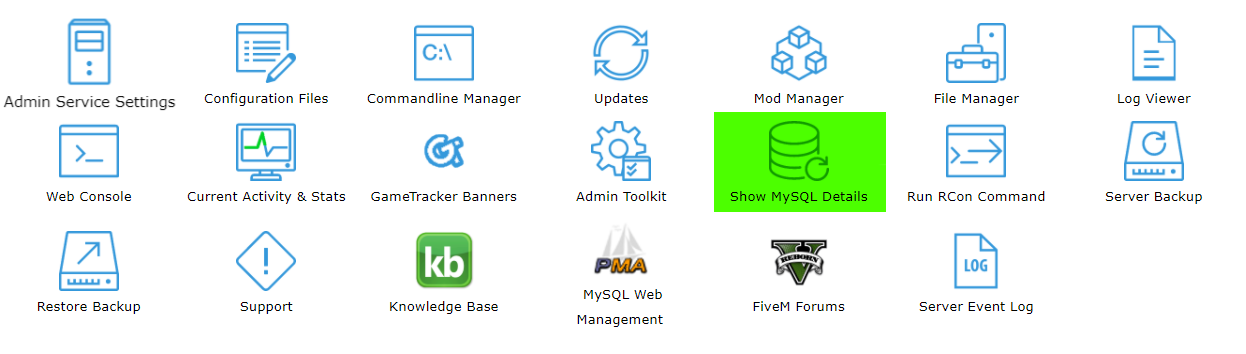
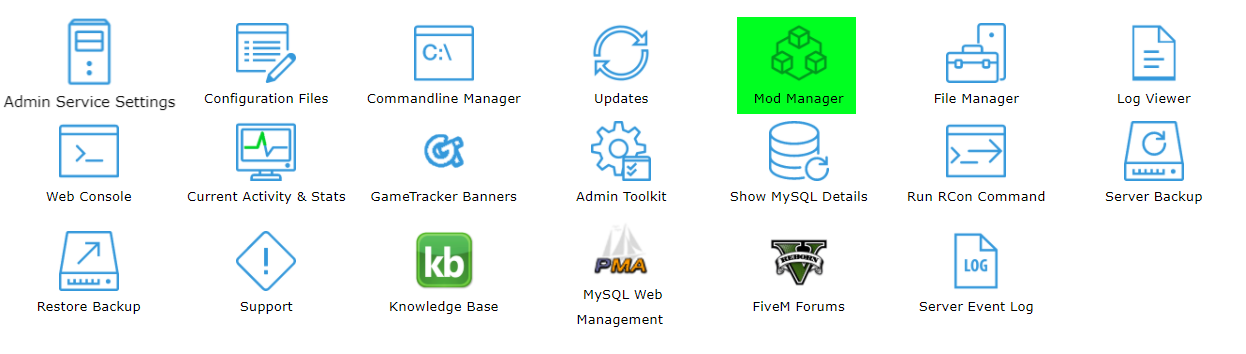
To do this, go to the Game Panel and select the Show MySQL Details Button. Take note of your username and password.
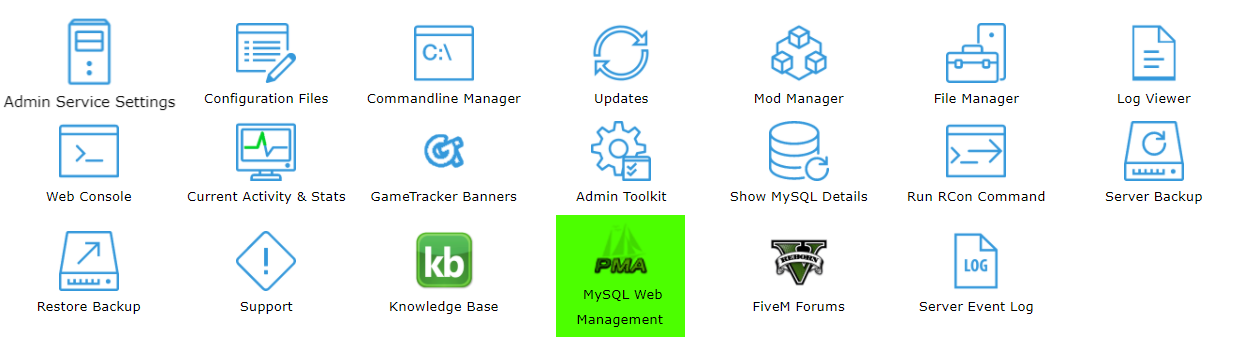
Go to MySQL Web Management to access the database itself.
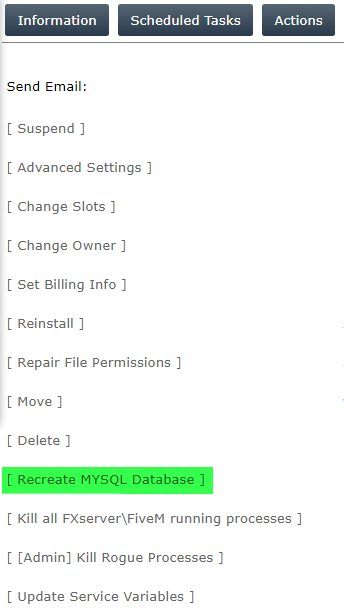
If there's a need to re-create your server, go to Actions tab. Click [ Recreate MYSQL Database ].
Generate your license key by following this guide here.
B. Installing The Latest Update
Up next we need to install the latest update for FiveM.
To do this, go to the Updates menu.
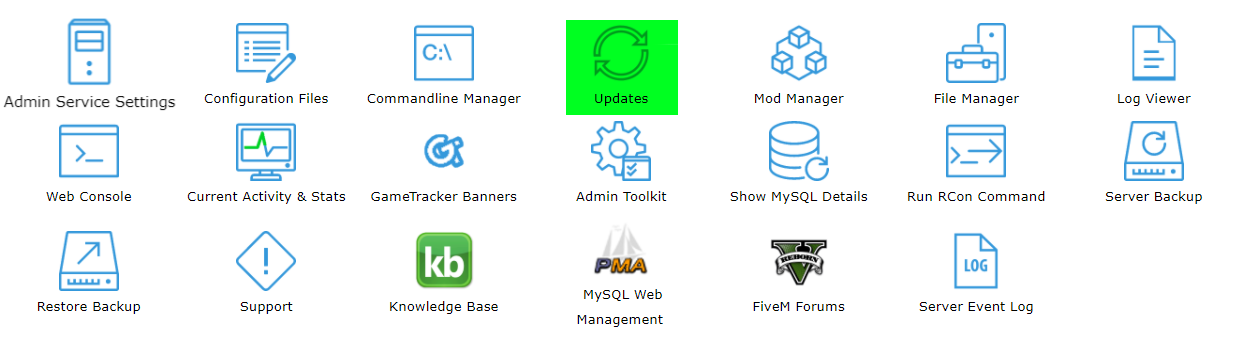
Then install the most recent update (Build 507)
C. Installing Essentials 5
Next we get to install Essentials 5
To do so, go to the Mod Manager, and open up the FX Gamemodes tab
Install Essentialmode 5.0.0 [MySQL]

D. Becoming an Admin
To assign yourself as an admin, log into your server and find your player ID.
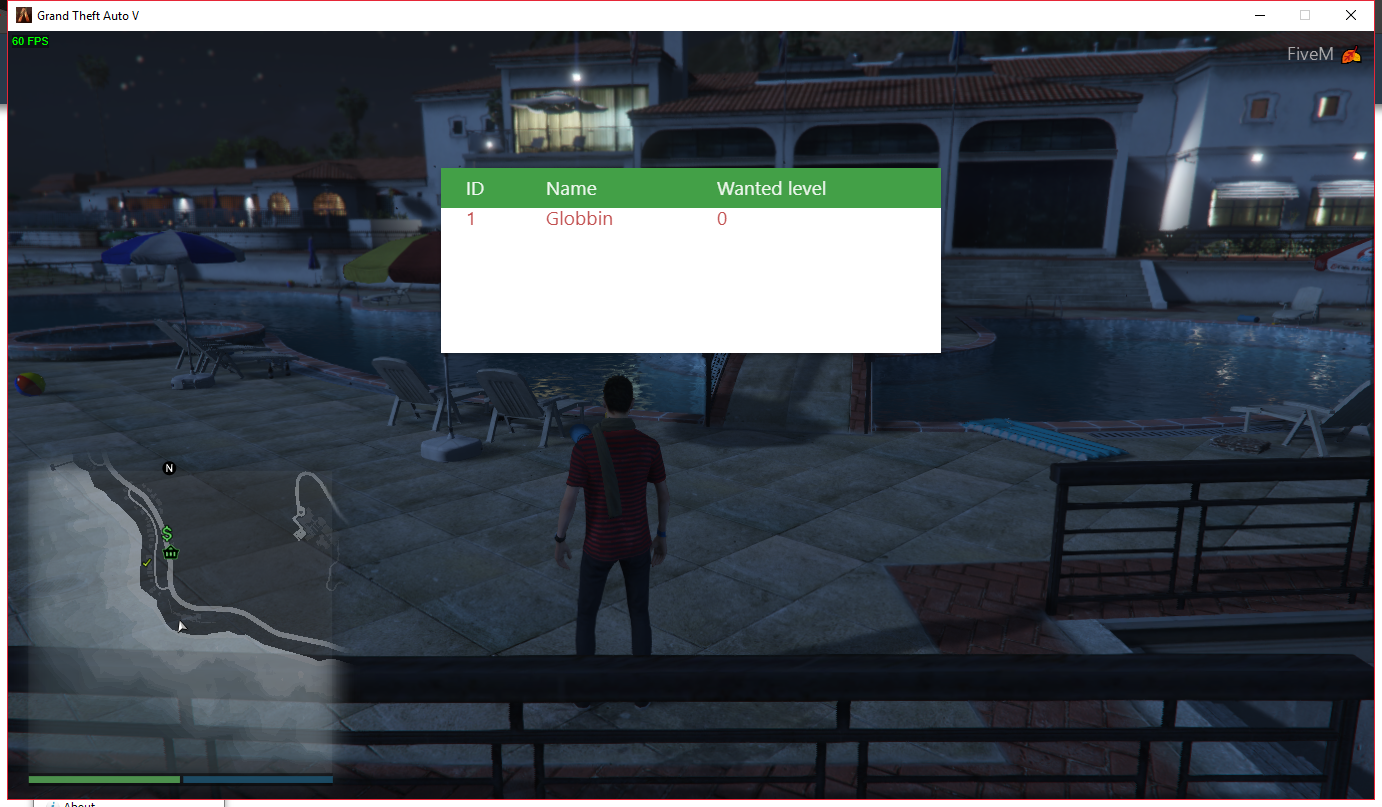
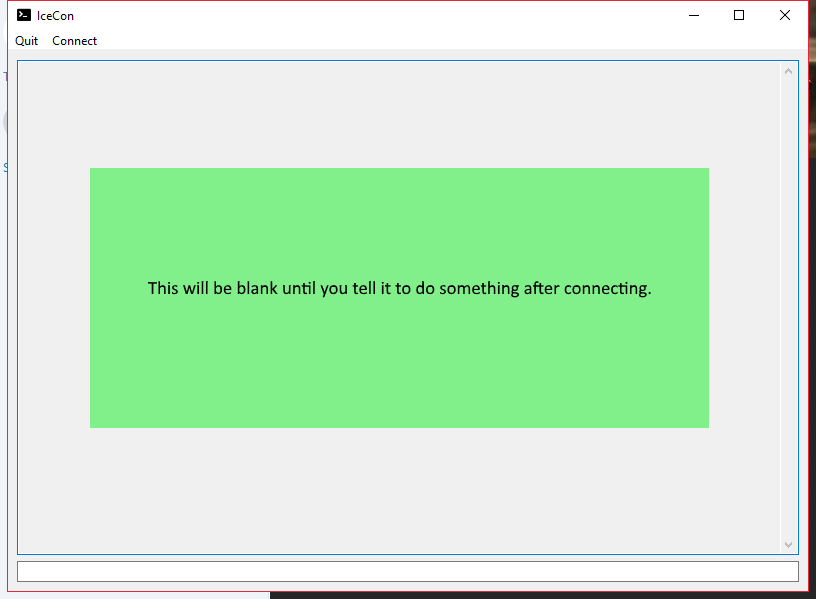
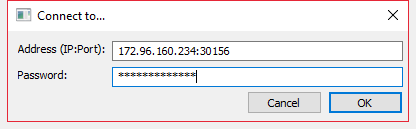
Then in either an RCON client like IceCon or the RCON Button found in Game Panel, use the setgroup command as shown:
I. IceCon:
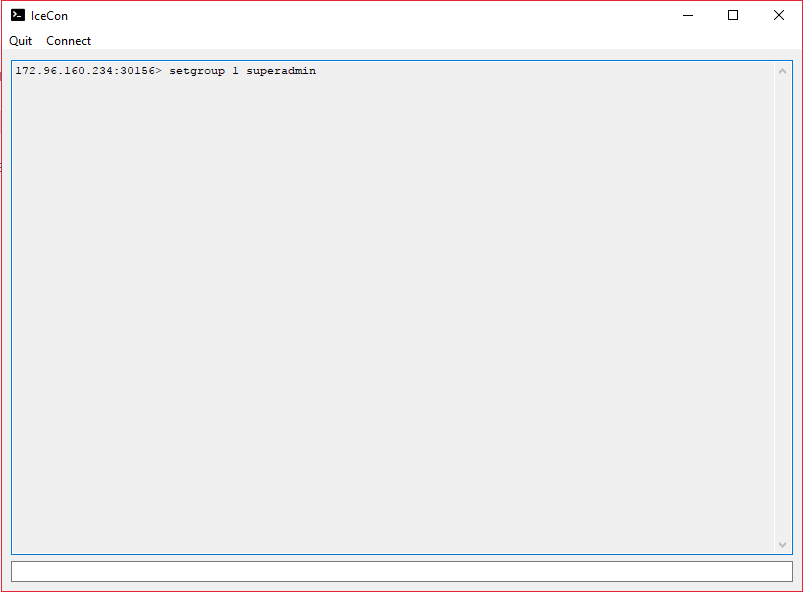
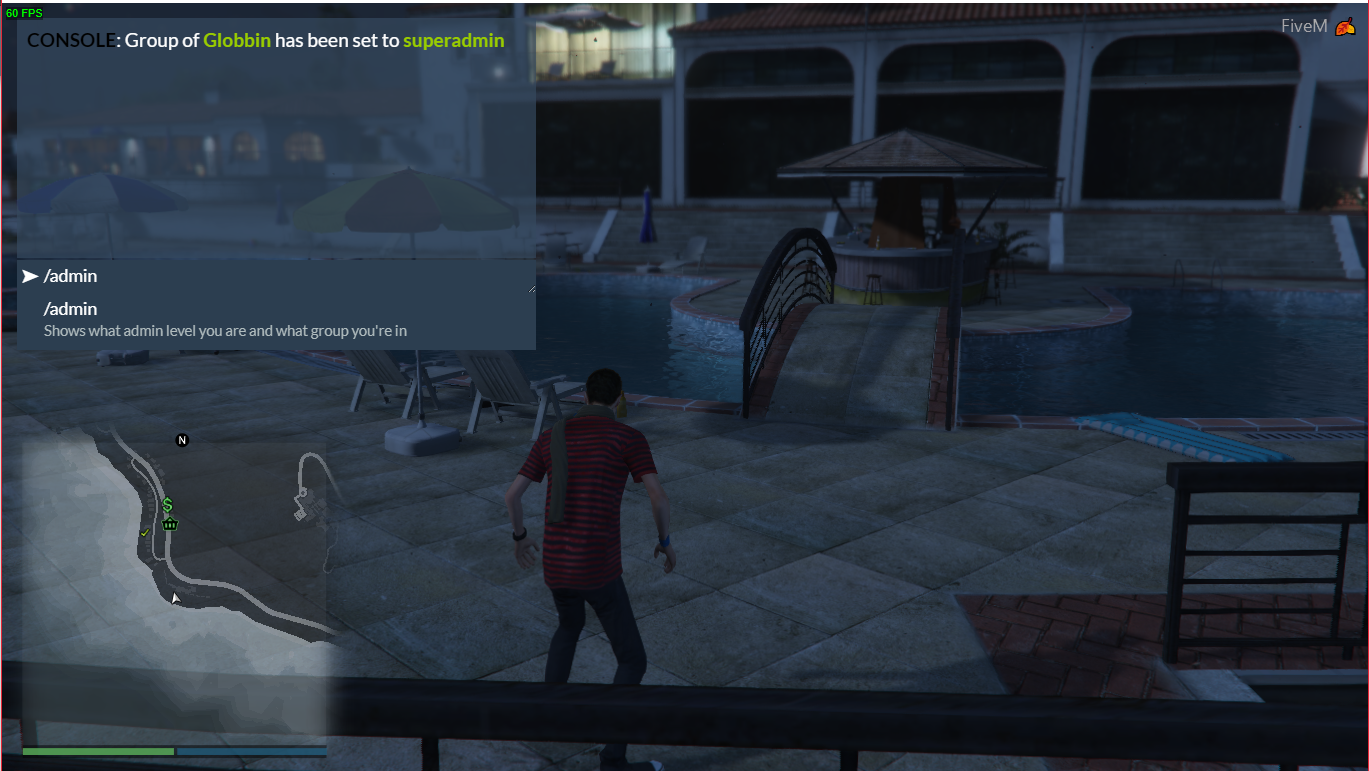
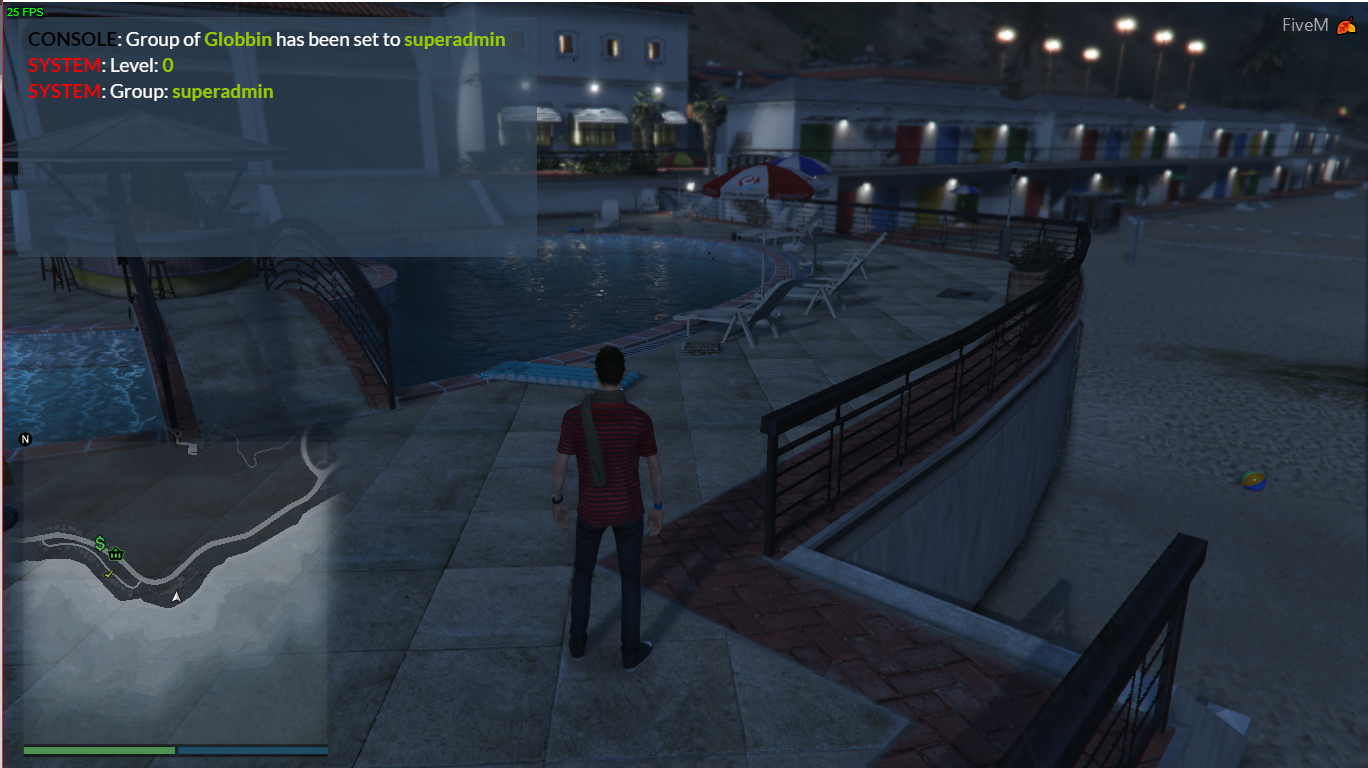
II. RCON Button:
Open the Run Rcon Command button.
Input setgroup command complete with player Id and execute while in the server.
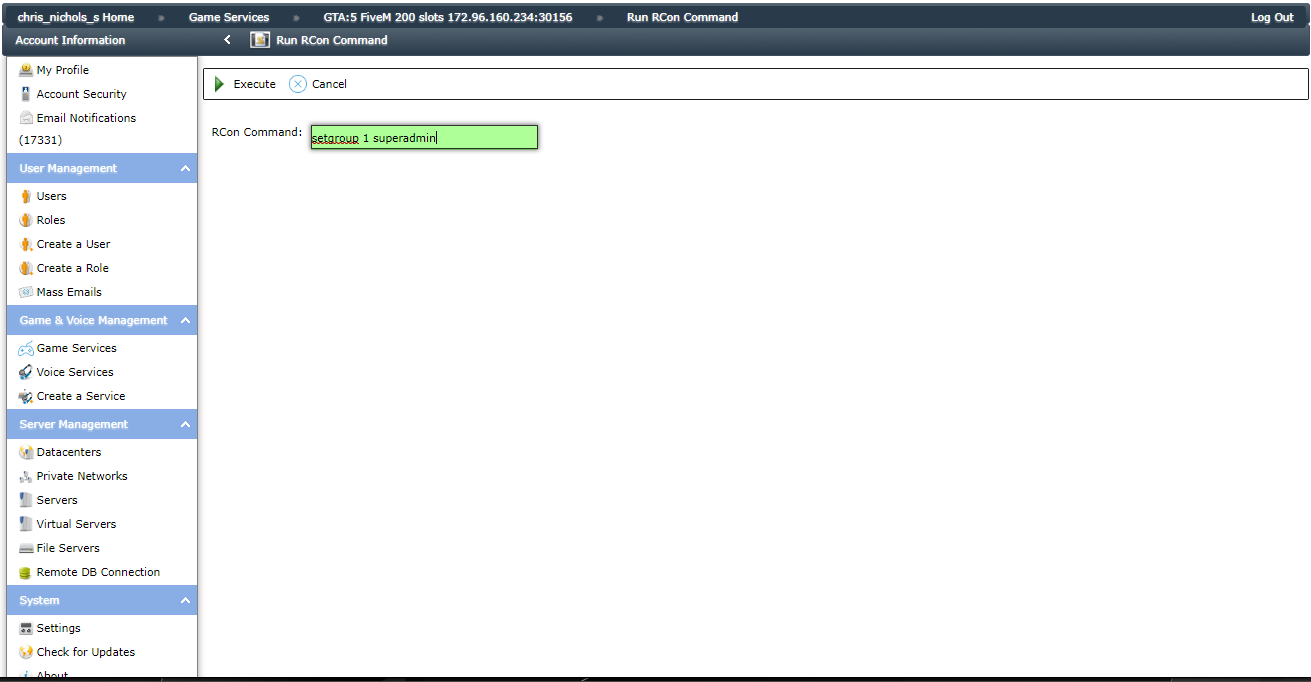
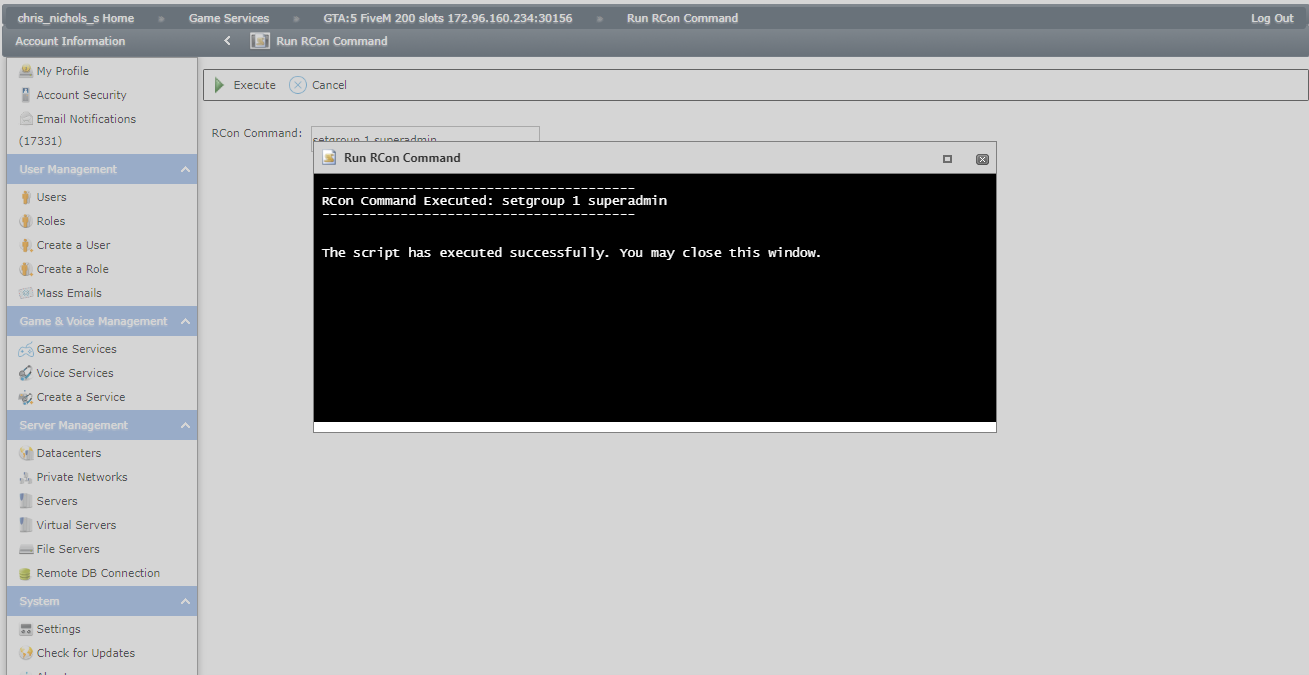
You are now running as an admin and have installed Essentials 5 properly.
If you encounter any issues, or have any questions, please make a support ticket where our technicians will be more than happy to help you.
NOTE: You can download IceCon here - https://github.com/icedream/icecon/releases
Go to MySQL Web Management to access the database itself.
If there's a need to re-create your server, go to Actions tab. Click [ Recreate MYSQL Database ].
Generate your license key by following this guide here.
B. Installing The Latest Update
Up next we need to install the latest update for FiveM.
To do this, go to the Updates menu.
Then install the most recent update (Build 507)
C. Installing Essentials 5
Next we get to install Essentials 5
To do so, go to the Mod Manager, and open up the FX Gamemodes tab
Install Essentialmode 5.0.0 [MySQL]
D. Becoming an Admin
To assign yourself as an admin, log into your server and find your player ID.
Then in either an RCON client like IceCon or the RCON Button found in Game Panel, use the setgroup command as shown:
I. IceCon:
II. RCON Button:
Open the Run Rcon Command button.
Input setgroup command complete with player Id and execute while in the server.
You are now running as an admin and have installed Essentials 5 properly.
If you encounter any issues, or have any questions, please make a support ticket where our technicians will be more than happy to help you.
NOTE: You can download IceCon here - https://github.com/icedream/icecon/releases
Did the above information not work for you?
Please click here to contact our support via a ticket.
Please click here to contact our support via a ticket.
