
 This guide will help you on How To Reinstall Your FiveM Server.
Running a FiveM server can be exciting, but sometimes issues like corrupted files, misconfigurations, or outdated builds make it necessary to perform a full reinstall. Reinstallation is not just about wiping everything clean, it’s about restoring stability and ensuring your server runs smoothly for your community. A clean reinstall ensures your FiveM server is free from lingering issues, giving you a stable foundation to rebuild your community’s roleplay experience. It’s a reset button that restores performance, eliminates hidden errors, and prepares your server for future growth
Note: Citadel Servers is not responsible for any lost files during the reinstallation. Kindly ensure to back-up your files before you proceed with the steps below.
Reinstalling your FiveM Server
1. Log in to your Game Control Panel and navigate to your service.
2. Before making any modifications, stop the server from running by clicking the Stop button.
3. Navigate to the More button just beside the Start button.

4. On the More button, look for the Reinstall option then click it.
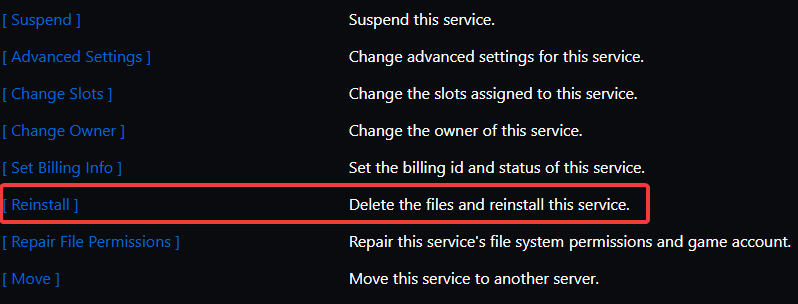
5. Once the reinstallation process is done, navigate to Updates Tab.
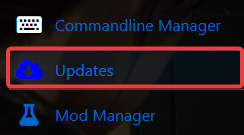
6. Click the [Install] button for FiveM Fxserver Build 507.
7. Generate or copy over your existing license for your FiveM server and place the license in your server.cfg or Configuration Editor for the server.cfg file.
Did the above information not work for you?
Please click here to contact our support via a ticket.
