

This guide will help you how to install ark api on your ARK Survival Ascended Server.
Modding has always been at the heart of the ARK community, and ARK: Survival Ascended continues that tradition with even more powerful tools for server owners. If you want to unlock advanced plugins, automate server tasks, or customize gameplay far beyond what standard mods allow, you’ll need ARK API a lightweight, server‑side framework that acts as the backbone for many of the most popular ASA plugins. This guide walks you through the installation process step‑by‑step, whether you’re hosting your server locally or through a dedicated provider. No prior experience with server frameworks is required. By the end, you’ll have ARK API fully installed and ready to run plugins that can transform your server into something truly unique.
Installing ARK API on your ARK Survival Ascended Server
1. Log in to your Game Control Panel and navigate to your service.
2. Before making any modifications, stop the server from running by clicking the Stop button.

3. Navigate to Mod Manager Tab.
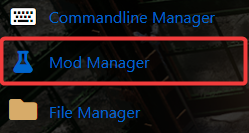
4. On the Mod Manager, look for the API section, and install it.

5. Once installed, you can navigate to the site below to install API mods. https://ark-server-api.com/
6. To find the API folder, open the File Manager and navigate to: "<Home>/ShooterGame/Binaries/Win64/ArkApi".
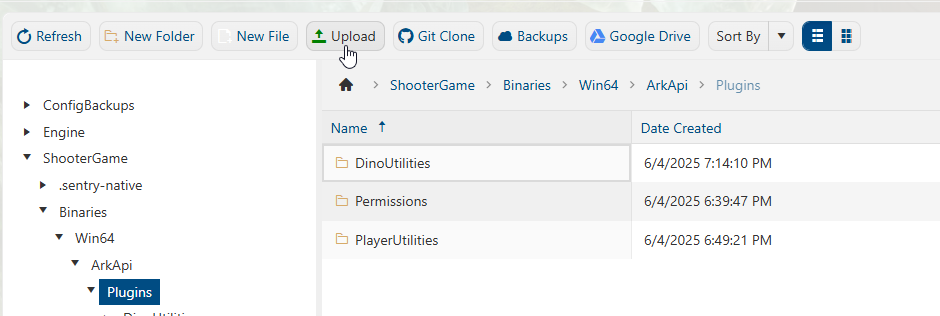
You can then upload the API mods to this location. Please check the mod page and follow any instructions about installation.
Did the above information not work for you?
Please click here to contact our support via a ticket.
