

This guide will help you on how to restore backup on your ARK Survival Ascended Server.
Running an ARK: Survival Ascended server means you’re the guardian of your world’s progress. Whether you’re hosting for friends or managing a larger community, unexpected issues can happen—corrupted saves, unwanted changes, or even just the desire to roll back to a more stable point in time. That’s where backups come in. ARK: Survival Ascended automatically generates backups of your world at regular intervals, giving you the ability to restore your server to a previous state. By learning how to restore these backups, you gain peace of mind knowing that your hard work, your tamed creatures, and your structures are protected. This process involves identifying the correct backup files, replacing your active save data with the chosen snapshot, and ensuring the server loads the restored world properly. Once you understand the steps, restoring a backup becomes a straightforward way to safeguard your server and keep your adventures running smoothly.
Restoring Backup on your ARK Survival Ascended Server
1. Log in to your Game Control Panel and navigate to your service.
2. Before making any modifications, stop the server from running by clicking the Stop button.

3. Navigate to Restore Map Backup Tab.
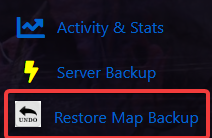
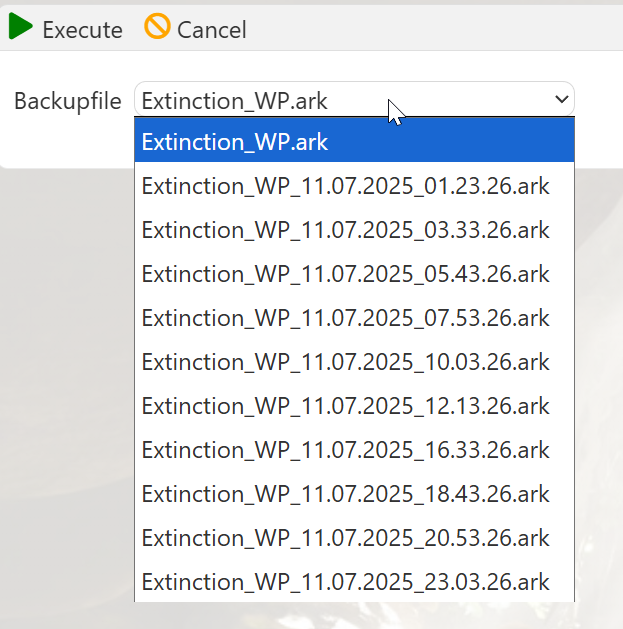
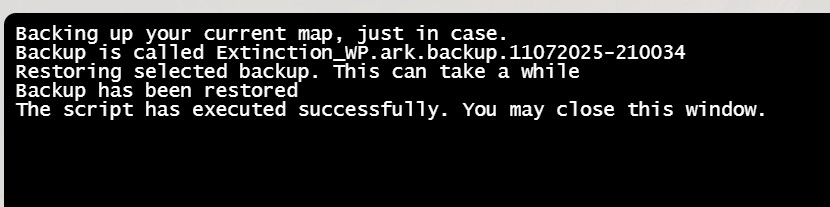
4. ARK: Survival Ascended has an automatic backup feature, even if you don't manually run a server backup. However, running a manual backup is still highly recommended to ensure you have full control over your data.
Did the above information not work for you?
Please click here to contact our support via a ticket.
