
This guide will show you how to connect on your Enshrouded Server.
Click here to order your Enshrouded server with AA Game Hosting today!
Setting up and connecting to your Enshrouded server is the first step toward enjoying a smooth, customized multiplayer experience. Whether you’re hosting for friends or managing a larger community, having your own server ensures stability, control, and flexibility. In this guide, we’ll walk you through the process of connecting to your server covering everything from locating your server details to joining the game seamlessly. By the end, you’ll be ready to dive into Enshrouded with confidence, knowing your server is up and running exactly the way you want it.
Connecting to your Enshrouded Server
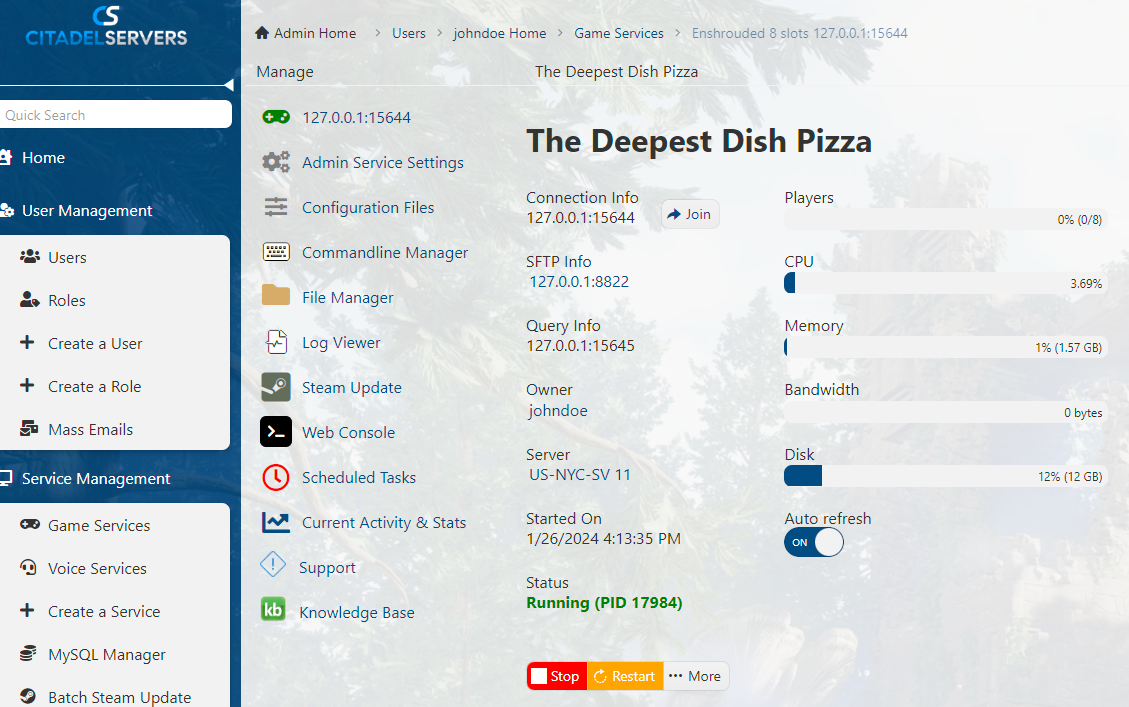
1. Log in to your Game Control Panel and navigate to your service.
2. Start the server and Launch the game.
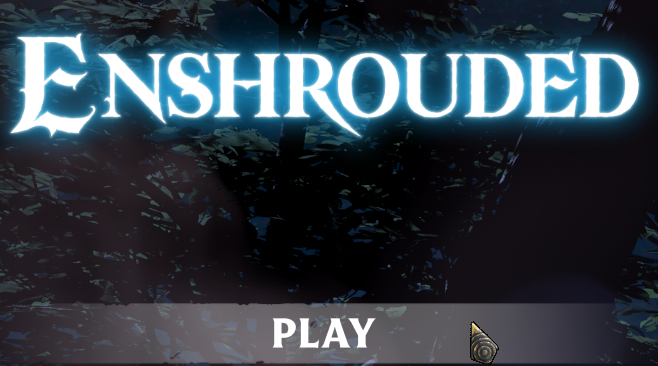
3. On the Game, click Play.
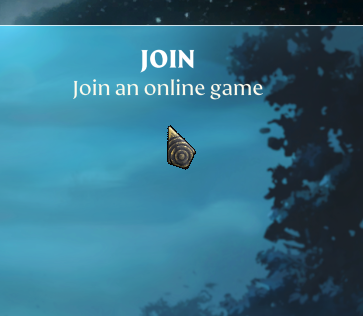
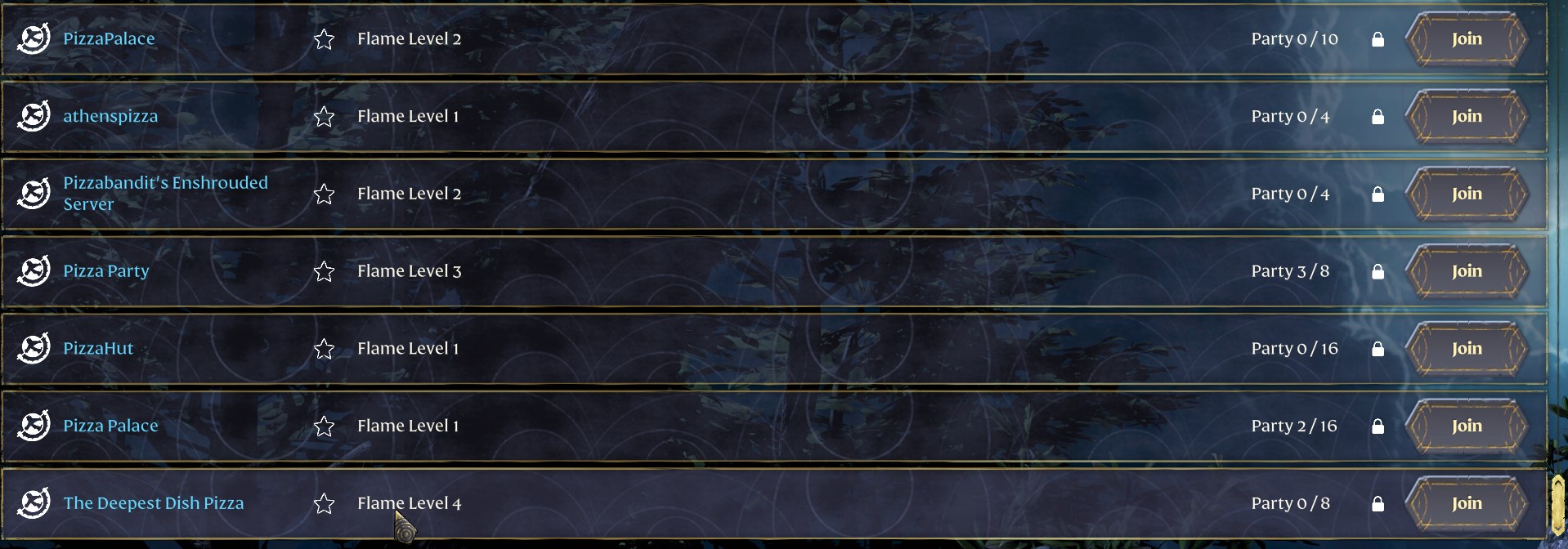
4. Next is to look for Join tab, which is to join an online server. Your server will appear here.
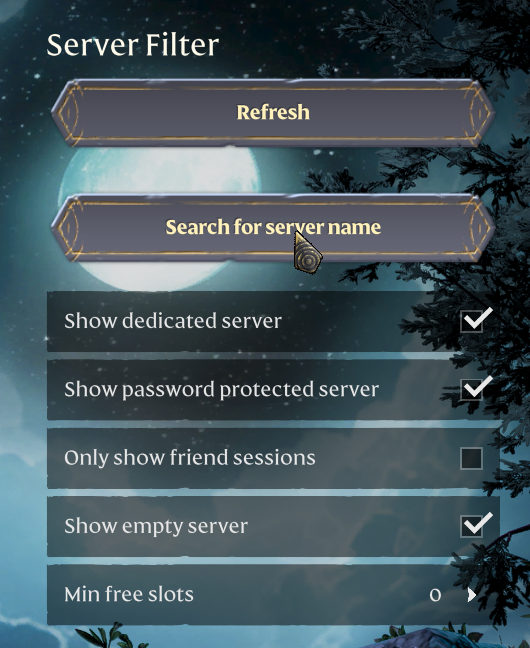
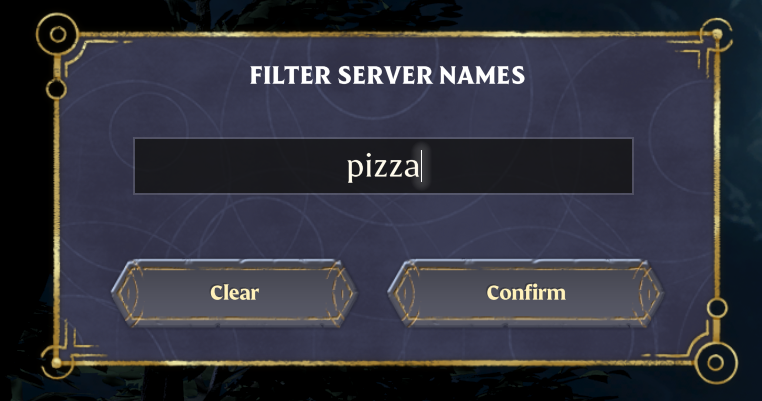
5. Once in the server list, you want to make sure your filter options are correct, make sure that you have the following ticked:
"Show dedicated server"
Please click here to contact our support via a ticket.
