
This quickstart guide will help you jumpstart your adventure on your Empyrion Galactic Survival Server.
Click here to order your Empyrion Galactic Survival with AA Game Hosting today!
If you’re stepping into the vast universe of Empyrion Galactic Survival for the first time, this guide is your launchpad. Empyrion is a sandbox survival game that blends space exploration, planetary colonization, crafting, and combat into one epic adventure. But with so many systems at play starships, bases, resources, and hostile environments it can feel overwhelming at the start. Instead of being bogged down by trial and error, you’ll have a clear roadmap to thrive from day one. Whether you’re aiming to build a sprawling planetary base, conquer space battles, or simply survive your first night, this Quickstart Guide ensures you’re equipped with the knowledge to make the galaxy your playground.
How to Connect to your Empyrion Galactic Survival Server
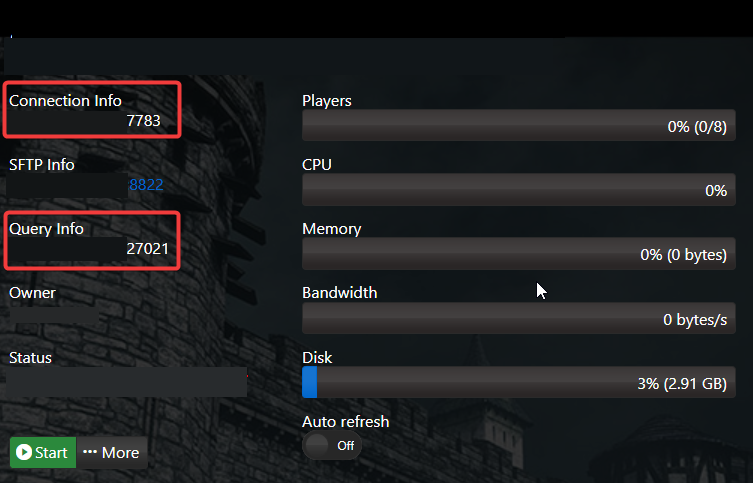
1. Log in to your Game Control Panel and navigate to your service.
2. Copy the Connection Info/Query Port listed.
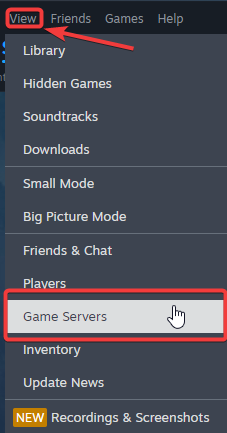
3. Open Steam. Click the View tab, then click Game Servers.
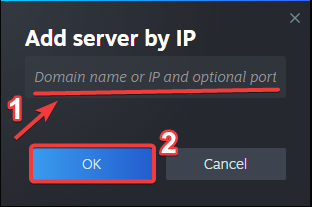
4. Click on the Favourites tab, then click "+" sign and Add Server.
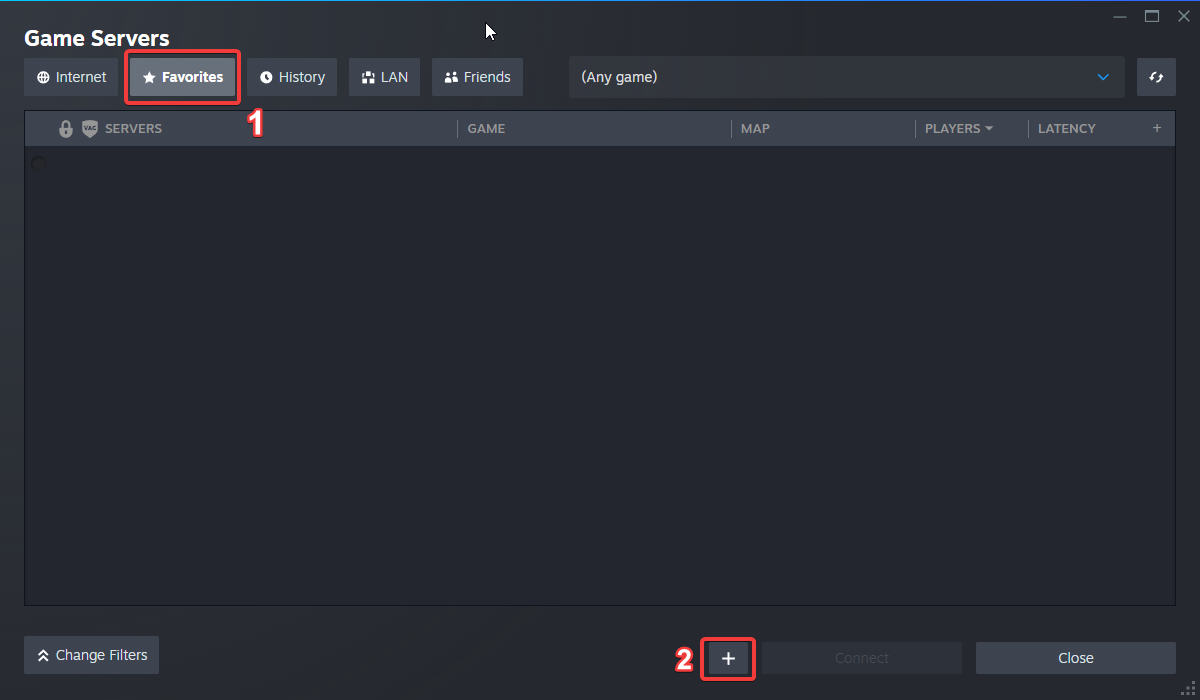
5. Paste in your server's Connection Info or Query Info IP/Port.
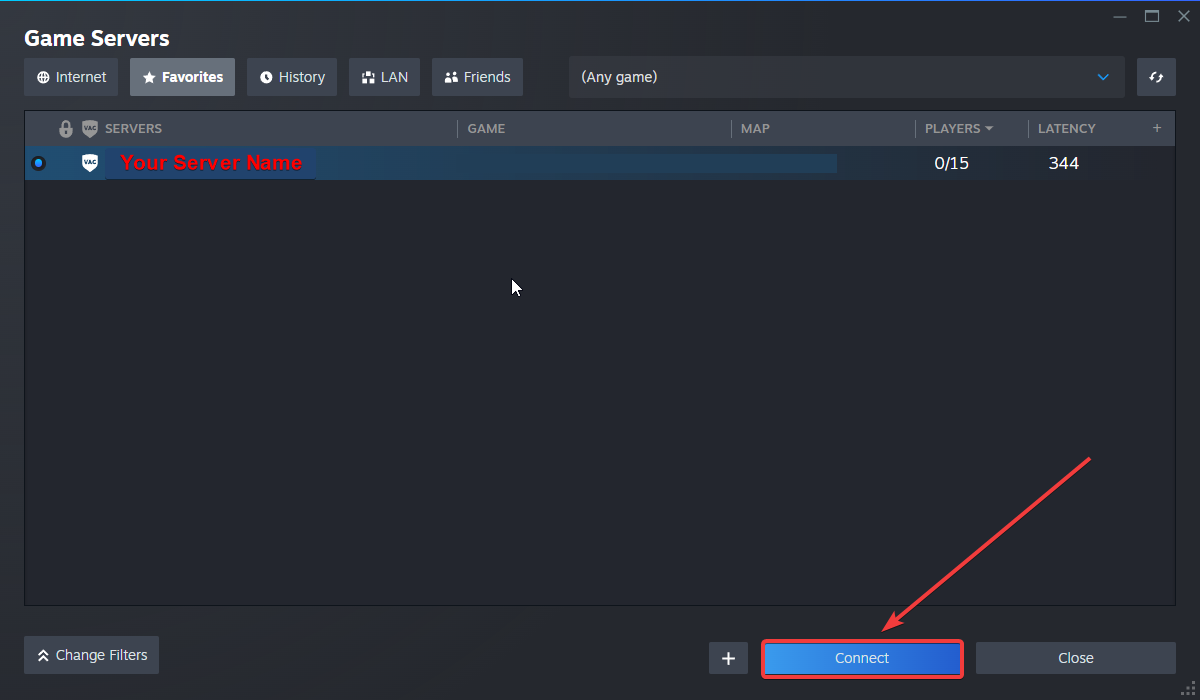
6. Click Connect.
Configuring your Server Name and Password
To edit this basic settings, follow these steps:
1. Log in to your Game Control Panel and navigate to your service.
2. Before making any modifications, stop the server from running by clicking the Stop button.

3. Go to the Configuration Files Tab.
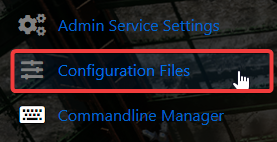
4. For the Configuration Files, select the Config Editor Button.
A pop-up will appear, you can change the Server Name and Password.
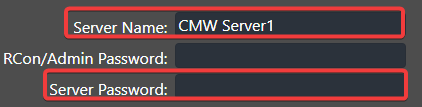
5. After editing, click Save to apply the changes.

Did the above information not work for you?
Please click here to contact our support via a ticket.
