

This guide will show you how to configure the login and logout time of your DayZ server.
Click here to order your DayZ server with AA Game Hosting today!
Managing player activity on your DayZ server goes beyond loot spawns and map edits sometimes, you need to fine-tune when players appear and disappear from the world. Whether you're aiming to improve server performance, enhance immersion, or troubleshoot connection issues, adjusting the login and logout time settings can make a noticeable difference. In this guide, we’ll walk you through how to change the login and logout time parameters on your DayZ server. These settings control how long it takes for a player to fully connect to the server and how long their character remains in-game after disconnecting. Whether you're hosting a private RP server or a public survival sandbox, customizing these timings helps you create a smoother and more controlled experience for your players.
Configuring the Login and Logout Time on your DayZ Server
1. Log in to your Game Control Panel and navigate to your service.
2. Before making any modifications, stop the server from running by clicking the Stop button.

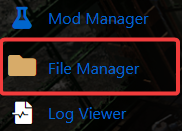
3. Go to File Manager.
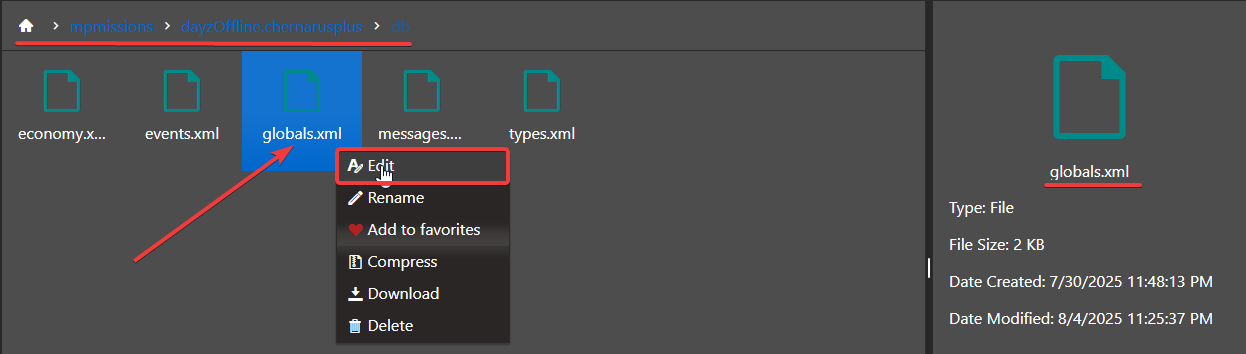
4. On the File Manager, go to /mpmissions/<your preferred map>/db and look for Globals.xml file then select Edit.
5. On the File, look for <var name="TimeLogin" type="0" value="15"/> and <var name="TimeLogout" type="0" value="15"/>. Configure the values as per your preferences.

6. After editing, click the Save button to apply the changes on your server.

Did the above information not work for you?
Please click here to contact our support via a ticket.
