

This guide will show you how to configure your Conan Exiles server.
Click here to order your Conan Exiles server with AA Game Hosting.
Running a Conan Exiles server gives you full control over the gameplay experience from adjusting survival mechanics to customizing PvP rules and enabling mods. Whether you're hosting a private world for friends or managing a public community, proper server configuration is essential for stability, performance, and player satisfaction.
Configuring your Conan Exiles Server
1. Login to your Game Panel.
2. Before making changes, make sure the server is stopped.
3. Go to Configuration Files.
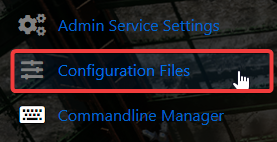
4. On the Configuration Files, look for ServerSettings.ini file and click the Config Editor. 
5. On the Config Editor, configure the settings to your preferences.
| Variable | Syntax | Explanation |
|---|---|---|
| AdminPassword | AdminPassword=SecretPassword | Sets the administrative password for the server. This will grant players administrative rights when used from the settings menu in-game. |
| MaxNudity | MaxNudity=2 | Sets the maximum nudity level allowed on the server. (0=None, 1=Partial, 2=Full) |
| PVPBlitzServer | PVPBlitzServer=False | Enables/disables Blitz mode. (accelerated progression) |
| PVPEnabled | PVPEnabled=True | Enables/disables PvP on the server. |
| serverRegion | serverRegion=1 | Sets the server's region. (0=EU, 1=NA, 2=Asia) |
| ServerCommunity | ServerCommunity=3 | Sets the server's play style (0=None, 1=Purist, 2=Relaxed, 3=Hard Core, 4=Role Playing, 5=Experimental) |
| IsBattlEyeEnabled | IsBattlEyeEnabled=False | Enables/disables BattlEye protection for the server. |
6. After editing, click the Save button to apply the changes.
You can configure more settings on the Text Editor of the same file.
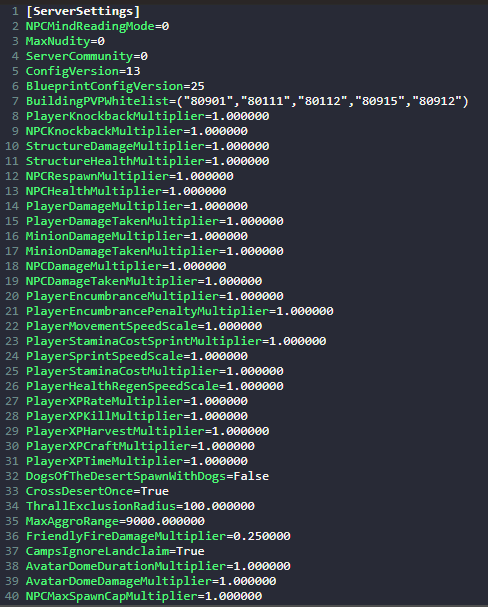
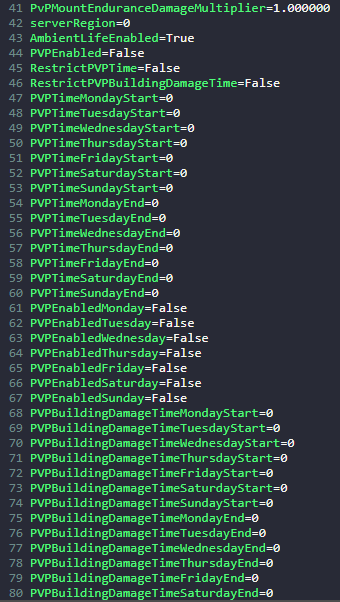
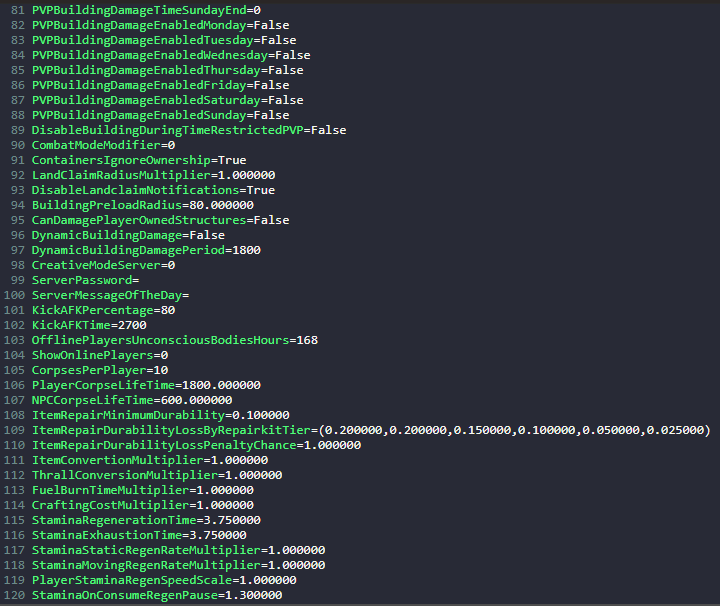
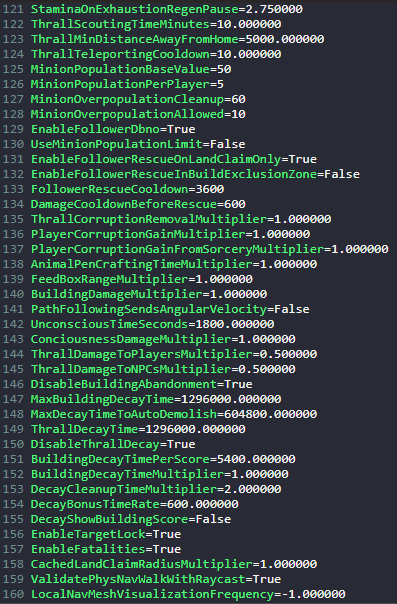

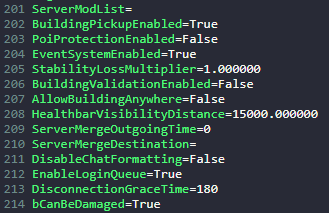
In this way, you are ensured that any custom changes that you made like mods and custom scenarios will be saved and not be affected by the Config Editor preset.
Did the above information not work for you?
Please click here to contact our support via a ticket.
