
This guide will help you learn how to gain Admin Access on your Necesse Server
Don't have a Necesse Game Server yet? Click here to order now!
Welcome to your first steps into Necesse, a fast‑paced sandbox adventure that blends exploration, crafting, combat, and colony management into one endlessly replayable experience. Whether you’re diving in solo or teaming up with friends, Necesse can feel wonderfully open‑ended—yet a bit overwhelming at the start. That’s exactly where this quickstart guide comes in. This guide is designed to help new players hit the ground running. You’ll learn the essential mechanics, understand the early‑game progression, and pick up practical tips that make your first hours smoother and far more enjoyable. From gathering your first resources to building a base, recruiting settlers, and surviving your first night, we’ll walk through the fundamentals with clarity and momentum. Think of this as your compass: simple, direct, and focused on what matters most when you’re just getting started. Once you’ve mastered the basics, the world of Necesse opens up into deeper crafting, challenging bosses, and thriving settlements that grow alongside your ambitions.
Unlocking Admin Privileges on a Necesse Server
1.Log in to your Game Control Panel
2. Check your character name, which can be found by pressing "Tab" in-game or by checking the server logs/web console
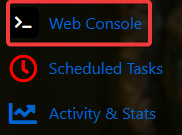
3. Select the Web Console in your game panel.
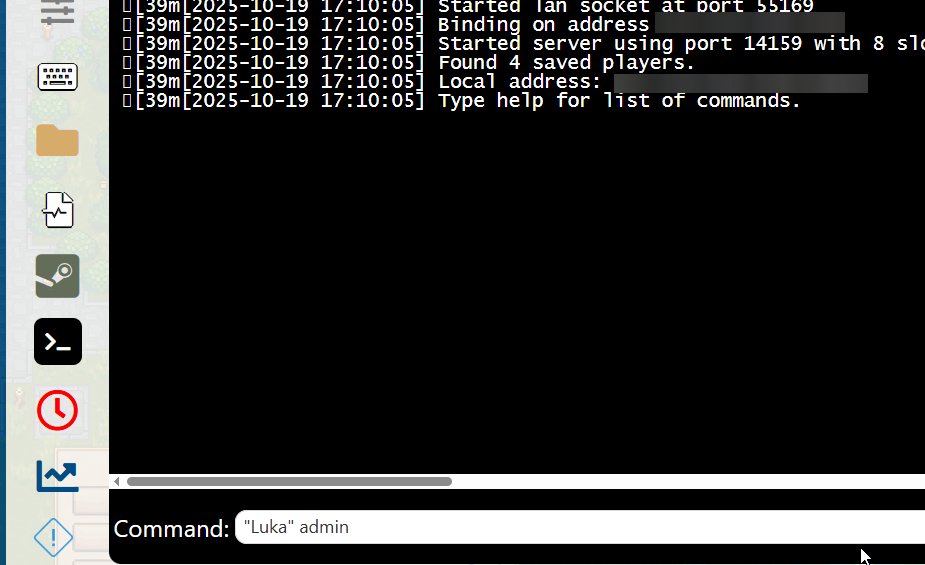
4. In the "Command" box, type in permissions set "yourname" admin
Example: permissions set "Luka" admin
5. Restart the server
Did the above information not work for you?
Please click here to contact our support via a ticket.
