

This guide will show you how to Change Your ARK: Survival Evolved Game to the Beta Branch
Switching your ARK: Survival Evolved game to the Beta Branch is a quick way to access upcoming features, experimental fixes, and early content before they roll out to the main build. Whether you’re testing new mechanics, preparing your server for future updates, or troubleshooting version‑specific issues, enabling the Beta Branch ensures you’re running the latest preview version available. This introduction walks you through what the Beta Branch is, why you might want to use it, and how to safely switch your game over so you can start exploring new changes right away.
Switching to the ARK: Survival Evolved Beta Branch Update
1. Log in to your Game Panel.
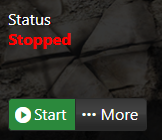
2. Before making changes, make sure the server is stopped.
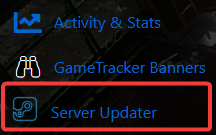
3. Navigate to the Server Updater Tab.
4. Select the version you want to switch to from the dropdown list. If the beta branch isn’t shown, contact support and request that it be added to your panel. Once selected, click Execute to begin the update process.
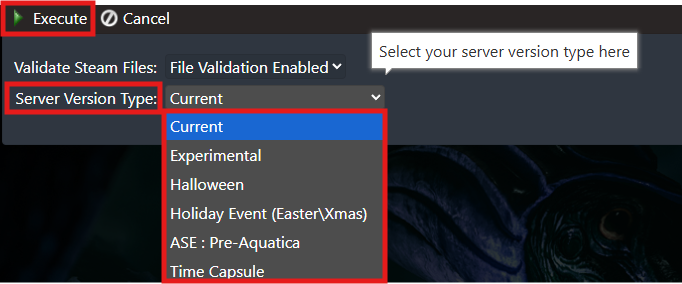
The server will then update and switch to the version you selected.
Order an ARK: Survival Evolved game server with AA today!
